
WhatsApp read receipts are the small blue ticks that appear when someone reads your message. While this feature is useful, many users prefer more privacy and don’t want others to know when they’ve read a message. If you’re one of them, this guide will show you how to turn off read receipts on WhatsApp in a simple and safe way.
This method works on both Android and iPhone, and it does not affect your chats or data.
What Are Read Receipts on WhatsApp?
Read receipts are indicators that show message status. One grey tick means the message is sent, two grey ticks mean it’s delivered, and two blue ticks mean the message has been read. When you turn off read receipts, blue ticks will no longer appear in chats.
However, keep in mind that when you disable this feature, you also won’t be able to see blue ticks from others.
Read More: How to Lock WhatsApp Without Any App
How to Turn Off Read Receipts on WhatsApp (Step by Step)
First, open WhatsApp on your phone and make sure it is updated to the latest version. Then tap on the three dots in the top-right corner on Android, or go to the Settings tab on iPhone.
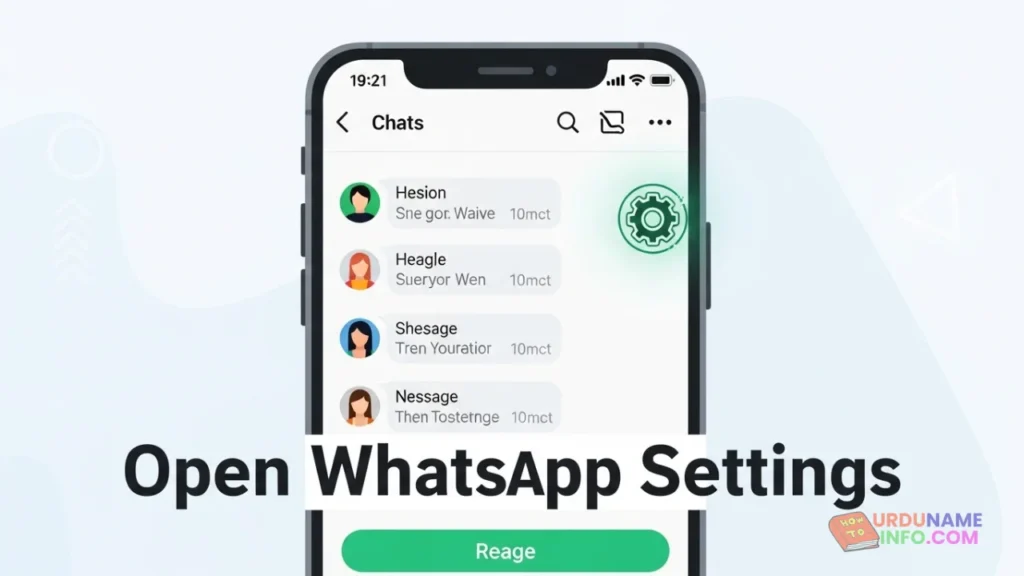
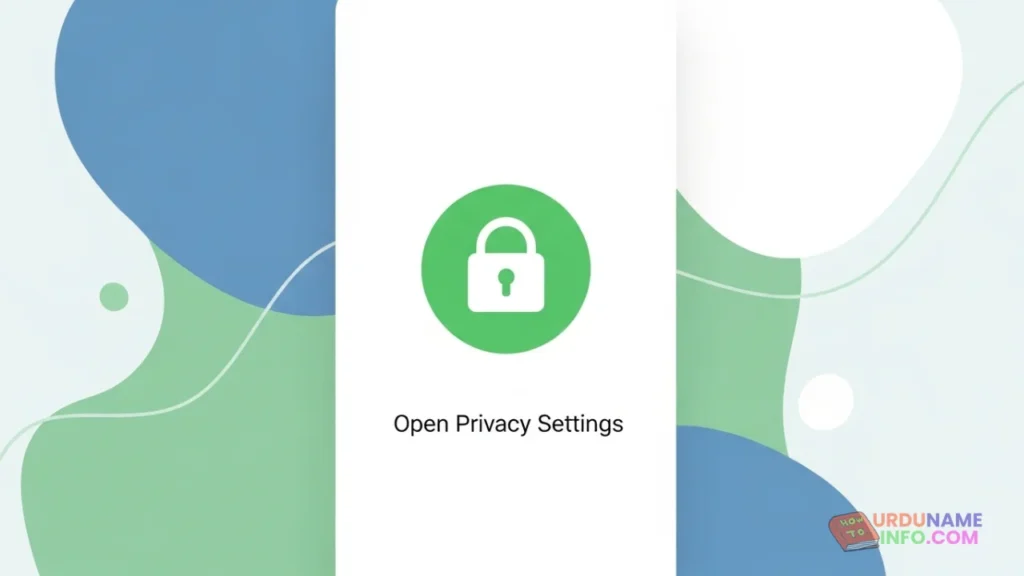
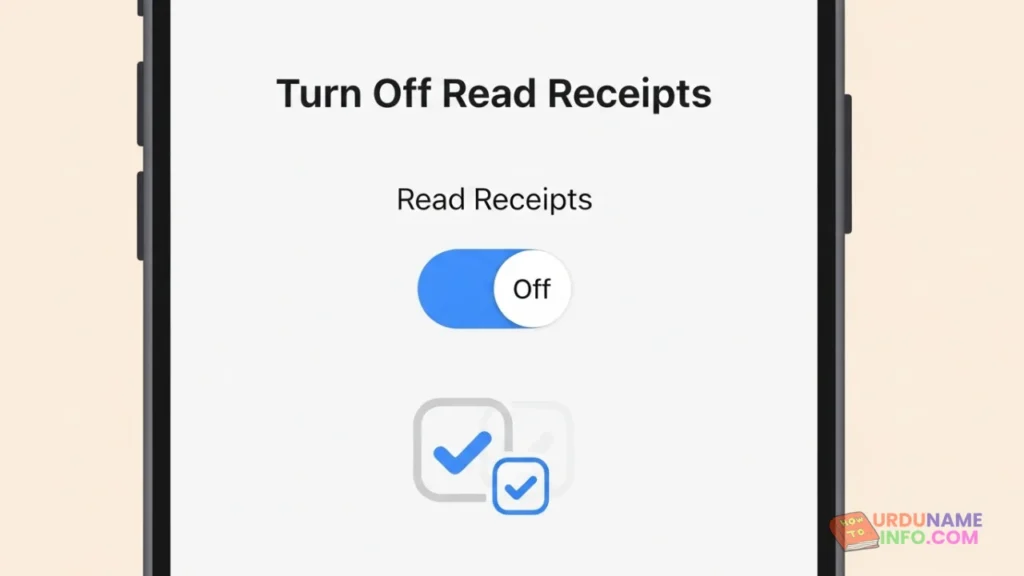
Inside Settings, tap on Privacy. Here you will see several privacy-related options. Scroll down until you find Read Receipts. Simply turn this option off by toggling the switch.
Once disabled, WhatsApp will stop showing blue ticks for one-on-one chats. Your contacts will no longer know when you’ve read their messages, and the same rule will apply to you.
Important Things You Should Know
Read receipts only work for personal chats. In WhatsApp group chats, read receipts cannot be turned off. Blue ticks in groups will still appear when all members have read the message.
Also, voice messages are an exception. Even if read receipts are turned off, WhatsApp will still show a blue microphone icon once a voice note is played.
Does Turning Off Read Receipts Affect Last Seen?
No, these are two separate privacy settings. Turning off read receipts does not automatically hide your last seen or online status. If you want full privacy, you can manually adjust Last Seen, Profile Photo, and About settings from the same Privacy menu.
Why People Turn Off Read Receipts
Many users disable read receipts to avoid pressure to reply instantly. It also helps maintain privacy, especially in work or professional conversations. This feature is useful if you want to read messages without creating misunderstandings or expectations.
Frequently Asked Questions
Can I turn off read receipts for specific contacts?
No, WhatsApp does not allow disabling read receipts for individual contacts. It’s either on or off for all chats.
Will messages sent before turning off read receipts show blue ticks?
Yes, messages that were already read before disabling the option may still show blue ticks.
Does this setting affect WhatsApp calls?
No, read receipts only apply to text messages and not to calls.
Conclusion
Turning off read receipts on WhatsApp is one of the easiest ways to protect your privacy. It takes less than a minute and gives you more control over how you communicate. If privacy matters to you, this small setting can make a big difference.

My name is Mujahid Shah. I provide helpful information about mobile phones, laptops, and general technology topics. I write simple and easy guides to help people solve common problems and understand tech in a better way.