

Internet has become an important part of our life, then what if this internet is very slow, you open any browser and it does not open or you watch a YouTube video and it does not load or open, send a message to someone on WhatsApp and it does not open? This is a major problem. In general, every person who has an Android mobile or a laptop PC or anything else has internet problems. Why do all these problems occur? We will tell you below and how we can increase the speed of our internet. I will tell you the best method step by step. Read this article till the end and increase your internet speed.
Follow every step one by one your internet speed will improve instantly.
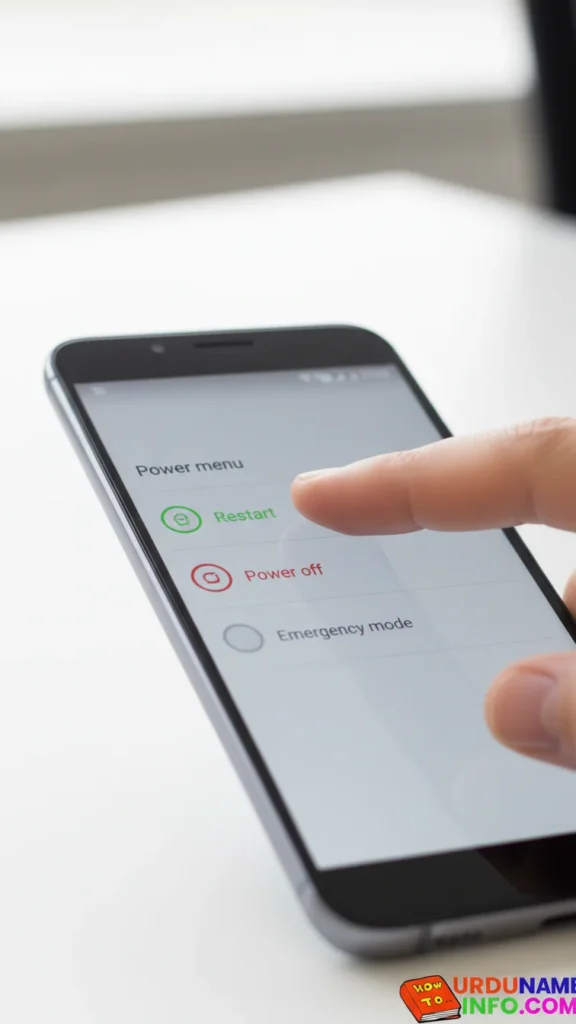
Restart Your Mobile
Restarting clears temporary bugs and refreshes network signals.
Steps:
- Press and hold the power button
- Tap Restart
- Wait for the mobile to reboot
Turn Airplane Mode ON → OFF
This resets your network connection instantly.
Steps:
- Swipe down Quick Panel
- Tap Airplane Mode
- Wait 10 seconds
- Turn it OFF again

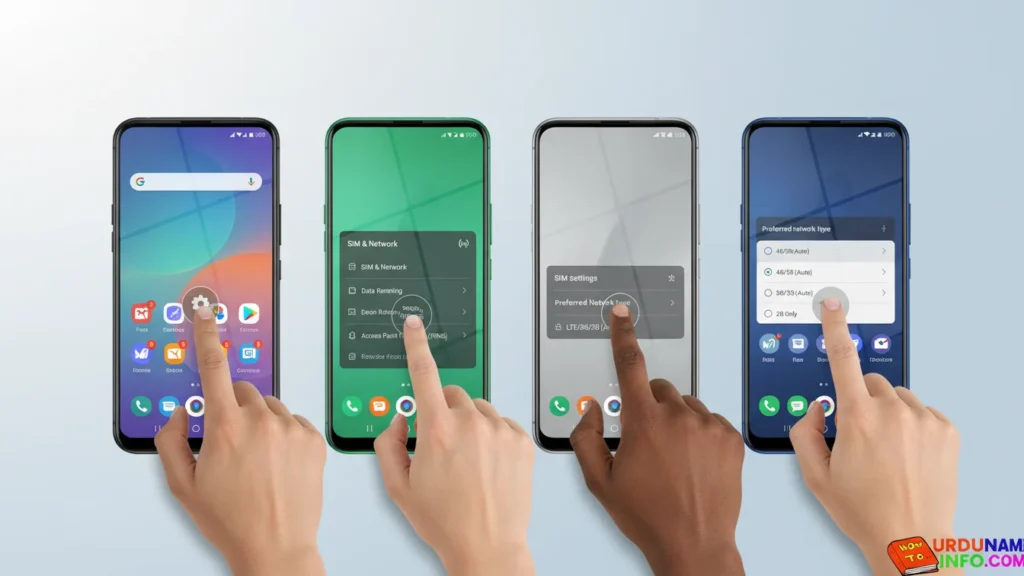
Switch Between 4G / LTE / 5G
Sometimes, the wrong network mode causes slow speed.
Steps:
- Go to Settings
- Tap SIM & Network
- Tap Preferred Network Type
- Select 4G/5G (Auto)
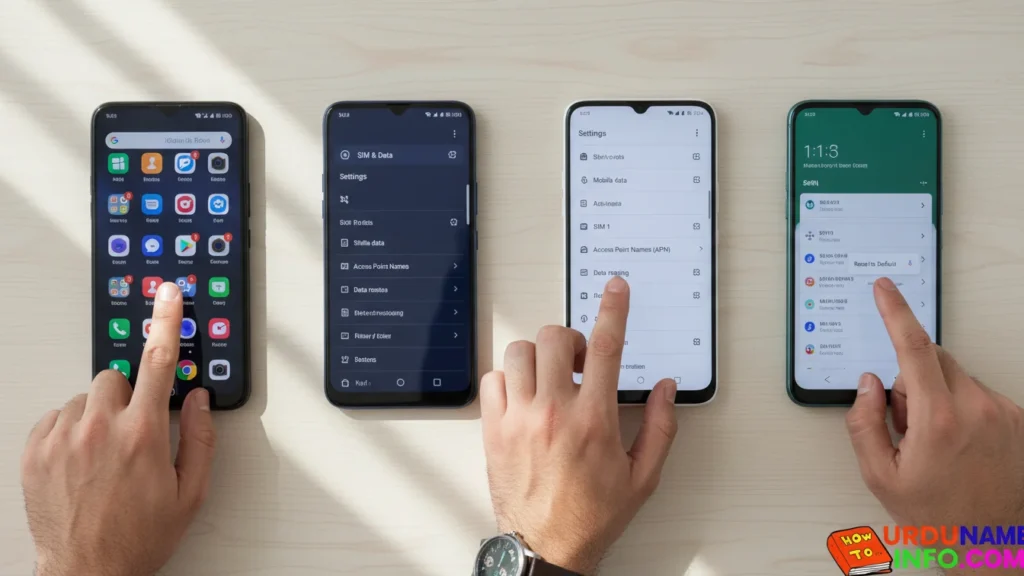
Reset APN Settings (Very Important)
APN issues slow down your mobile internet.
Steps:
- Go to Settings
- Tap SIM & Data
- Tap Access Point Names (APN)
- Tap Reset to Default
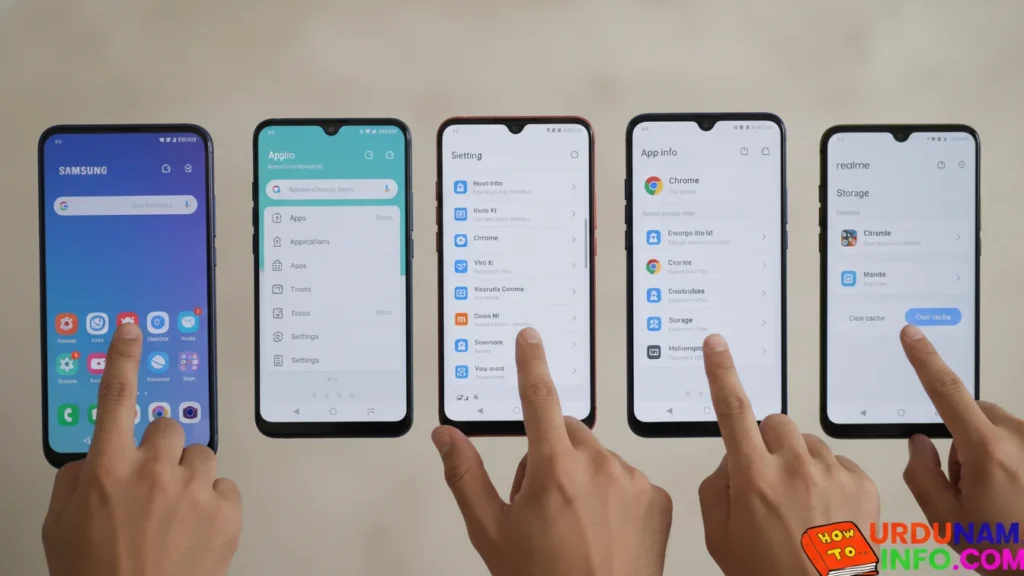
Clear Cache of Browser & Apps
Old cache slows down browsing and downloading.
Steps:
- Go to Settings
- Tap Apps
- Open Chrome
- Tap Storage
- Tap Clear Cache
Disable Background Data for Unused Apps
Some apps use internet secretly in the background.
Steps:
- Go to Settings
- Open Data Usage
- Select any unnecessary app
- Turn OFF Background Data

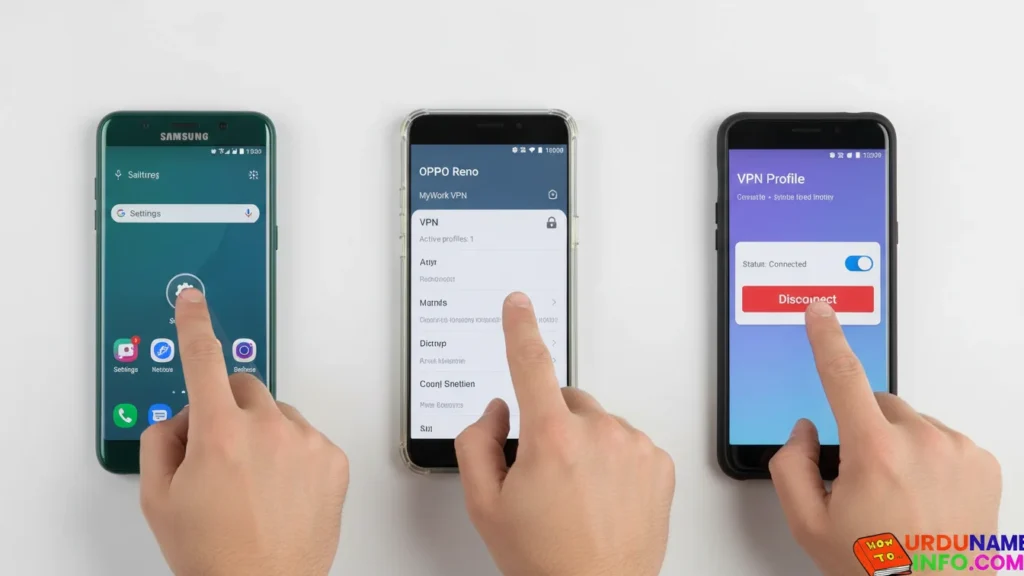
Remove VPN (If Enabled)
VPN slows down speed because it changes server routes.
Steps:
- Go to Settings
- Tap VPN
- Disconnect any active VPN
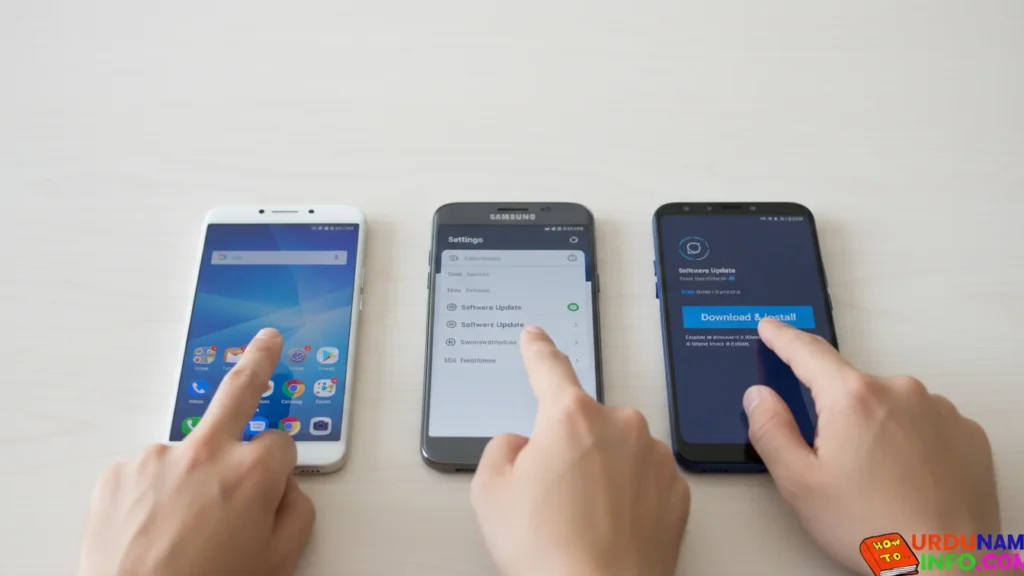
Update Your Phone Software
Software bugs can slow down network performance.
Steps:
- Open Settings
- Tap Software Update
- Download & Install latest update
Insert SIM in SIM Slot 1
SIM slot 1 always gives better speed on most phones.
Steps:
- Power off the phone
- Remove the SIM tray
- Insert SIM in Slot 1
- Restart phone

Read More:
- How to Remove Virus from Mobile Without Reset
- How to Check Original vs Fake Mobile Battery (Full Guide)
- How to Clean Mobile Screen at Home (Without Scratches)
- How to Lock WhatsApp Without Any App
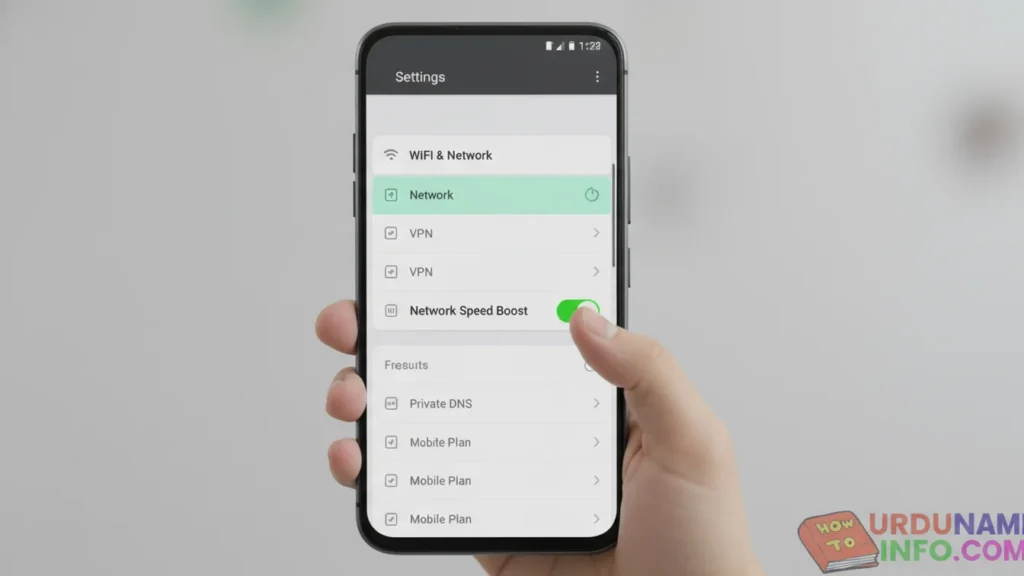
Use Network Booster Option
Most phones have a built-in signal boosting feature.
Steps:
- Go to Settings
- Tap WiFi & Network
- Turn ON Network Speed Boost (if available)
Final Tips to Increase Speed
And here are some important tips that can help you increase your internet speed even more. Read the steps below.
- Use a good-quality SIM card
- Avoid using internet during peak hours
- Keep storage at least 10% free
- Delete unused apps
- Restart your router (if using WiFi)
Conclusion
In this article, I have told you in full detail how you people can increase your internet speed, step by step, by doing it on your mobile phone. Now I hope you people will not face any internet problem. If you have any other problem, then you can ask us in the comment section. We will definitely answer you. And you must tell us your opinion whether your internet speed has increased or not in the comment section.

My name is Mujahid Shah. I provide helpful information about mobile phones, laptops, and general technology topics. I write simple and easy guides to help people solve common problems and understand tech in a better way.