

This WhatsApp has become a very important part of our lives. We use it on a daily basis. Chatting is done, videos are sent, messages are sent with family and friends. It has become a very important part. And to lock it, you people often use third-party apps. By using third-party apps, your data that is safe gets leaked. The third-party app that is used often steals your data. Therefore, in this article, we will tell you how you people can lock your WhatsApp without using third-party apps. It is mandatory to read this article till the end. I will tell you in full detail how people can lock their WhatsApp without using third-party apps.
Can You Lock WhatsApp Without Any Third-Party App?
Yes! WhatsApp itself comes with built-in privacy and security features that allow you to lock the app.
Benefits of Using Built-In Lock:
- Safer than third-party apps – avoids malware risks.
- No extra installation needed – saves storage and battery.
- Official support – works seamlessly with WhatsApp updates.
Above, I will tell you step by step how you can lock WhatsApp apps with and without third-party apps. I have told you the simple steps above.
Method 1: Lock WhatsApp Using Fingerprint Lock (Built-In Feature)
Most Android mobiles or iPhone devices allow you to lock WhatsApp with your fingerprint. Below I have also explained step by step how you can lock your WhatsApp with your fingerprint. Follow the steps below.
Steps:
Open WhatsApp.
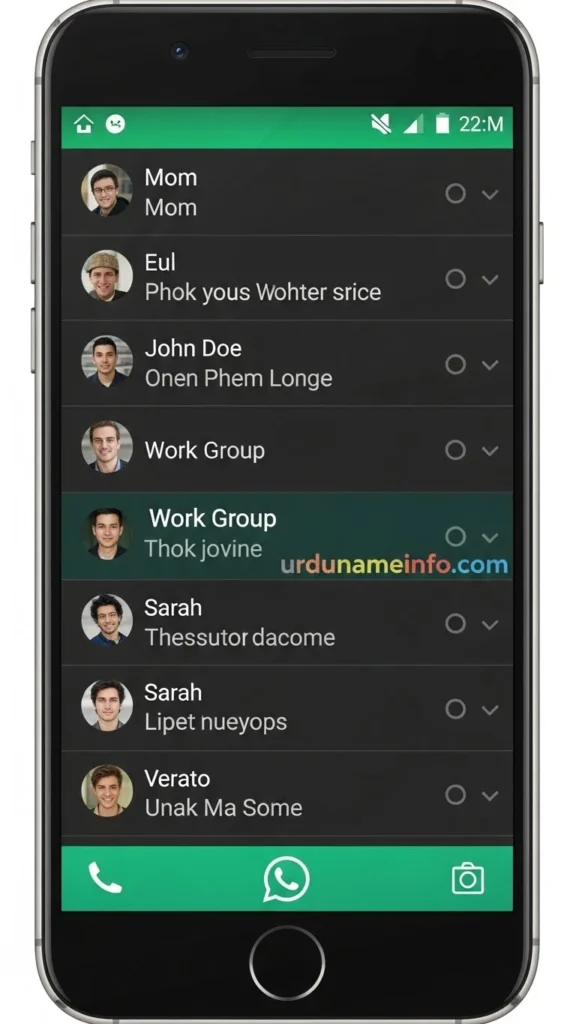
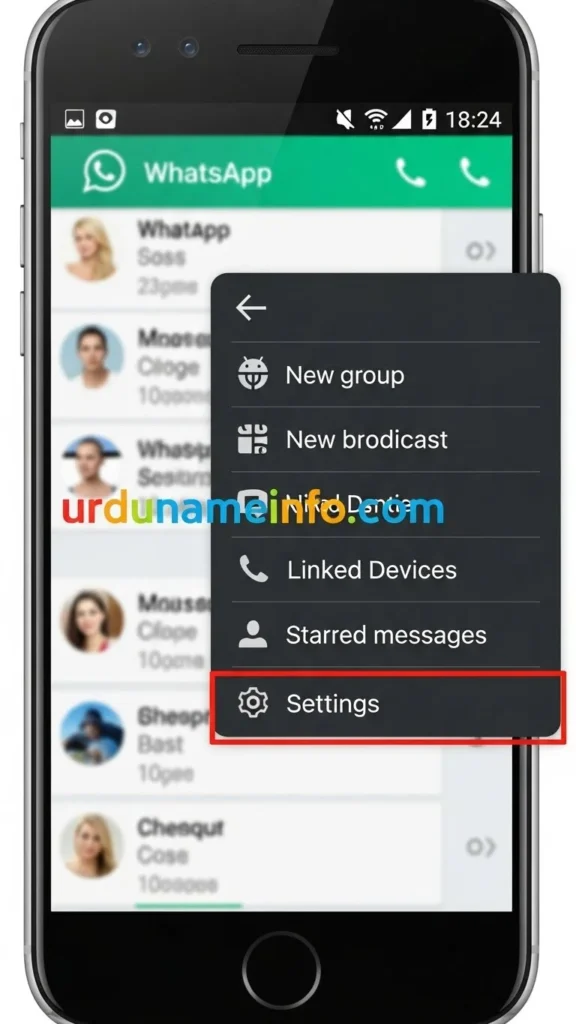
Go to Settings.
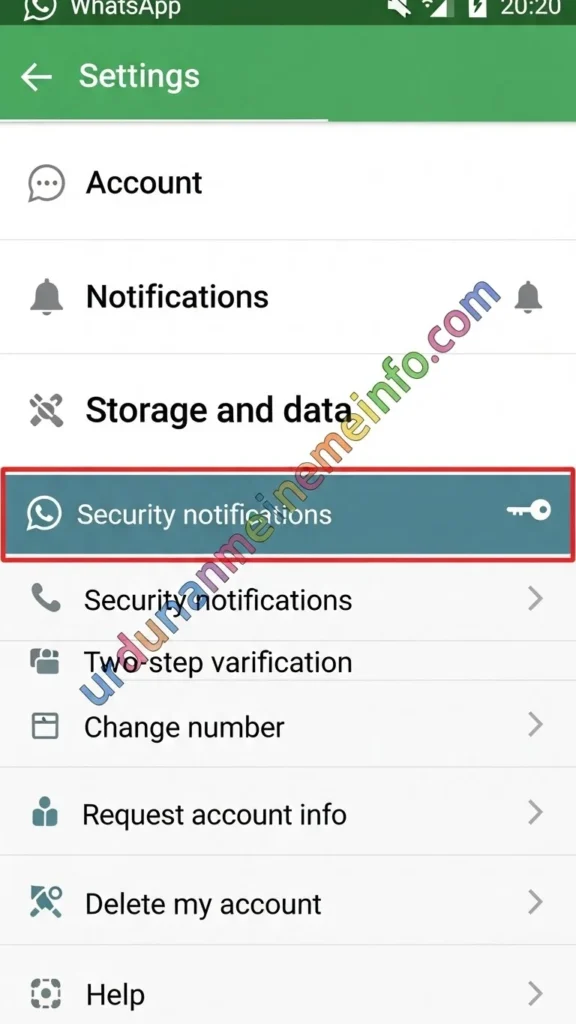
Tap Account.
Tap Privacy.
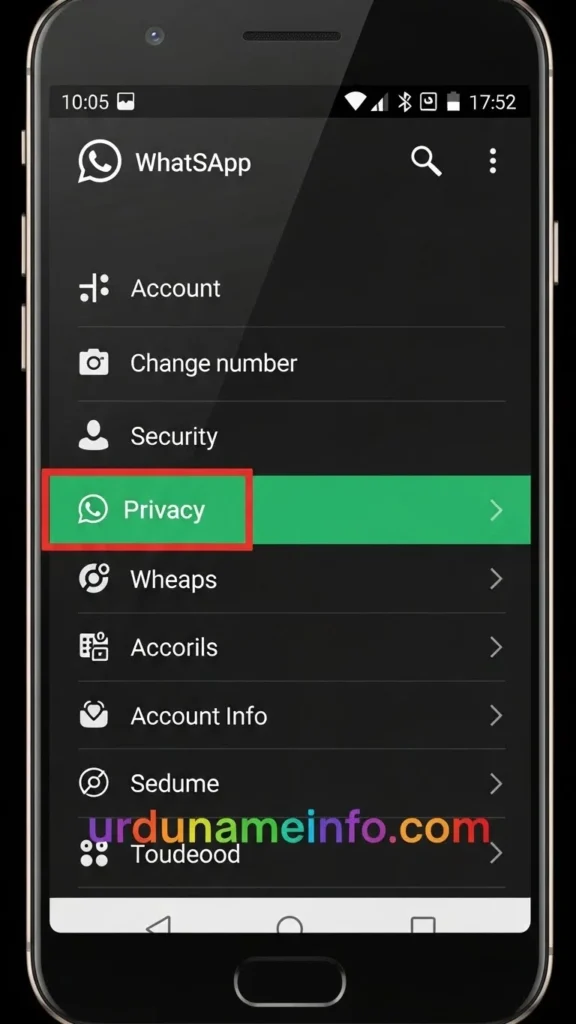
Select Fingerprint Lock (or Face ID on iPhone).
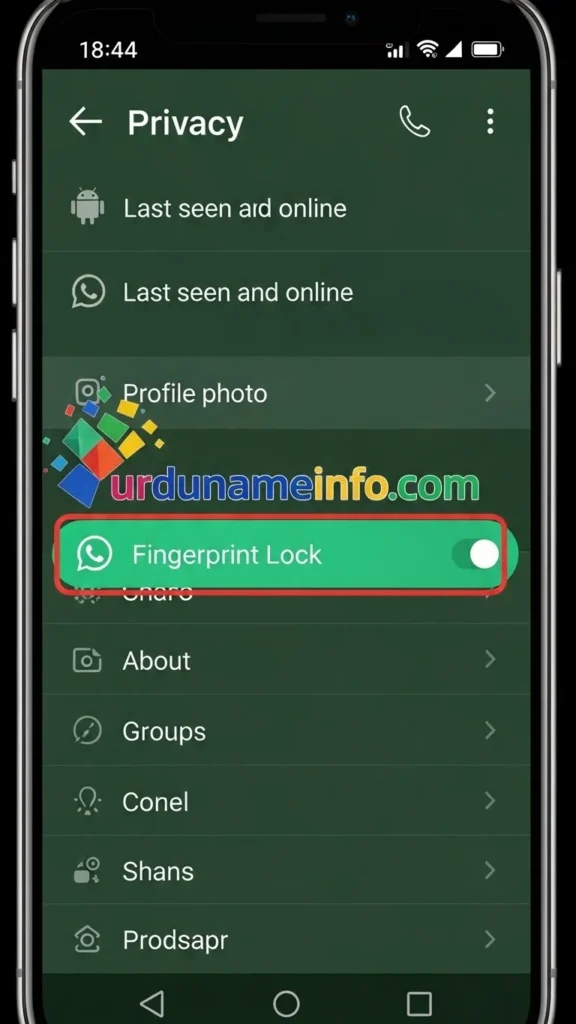
Turn ON “Unlock with Fingerprint.”
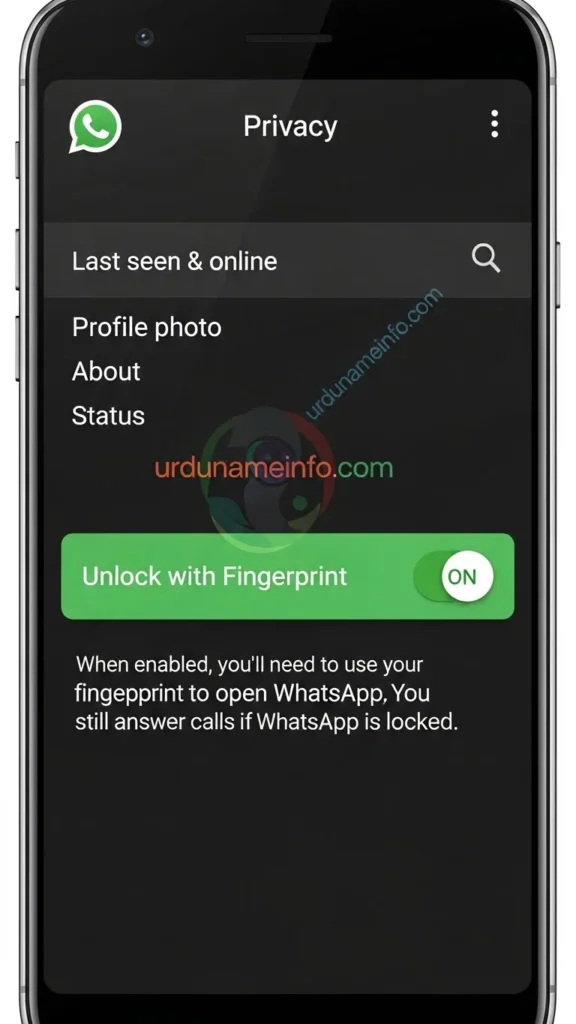
Set the auto-lock timer (immediate, 1 minute, or 30 minutes).
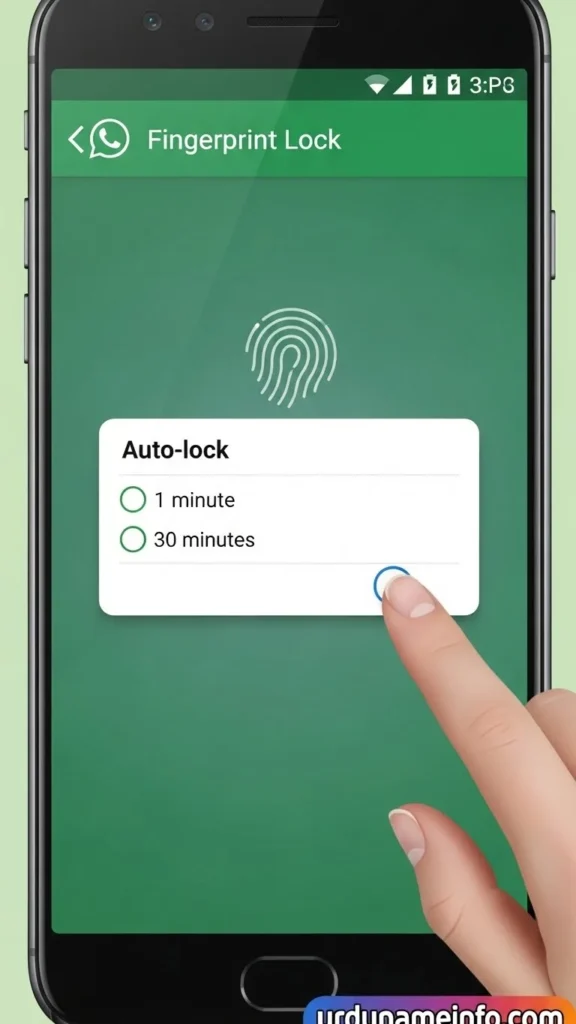
This method is completely secure and works without any extra app.
(Image prompts for each step can be created to make this guide visually appealing.)
Method 2: Lock WhatsApp Using App Lock (If Built-In Lock Not Available)
If your device does not support WhatsApp’s built-in fingerprint lock, you can use your mobile phone’s system-level app lock. Most Android phones have this feature in the settings. Follow the steps below.
Steps:
- Open Settings.
- Go to Privacy or Security.
- Tap App Lock.
- Select WhatsApp.
- Apply a PIN, Pattern, or Fingerprint lock.
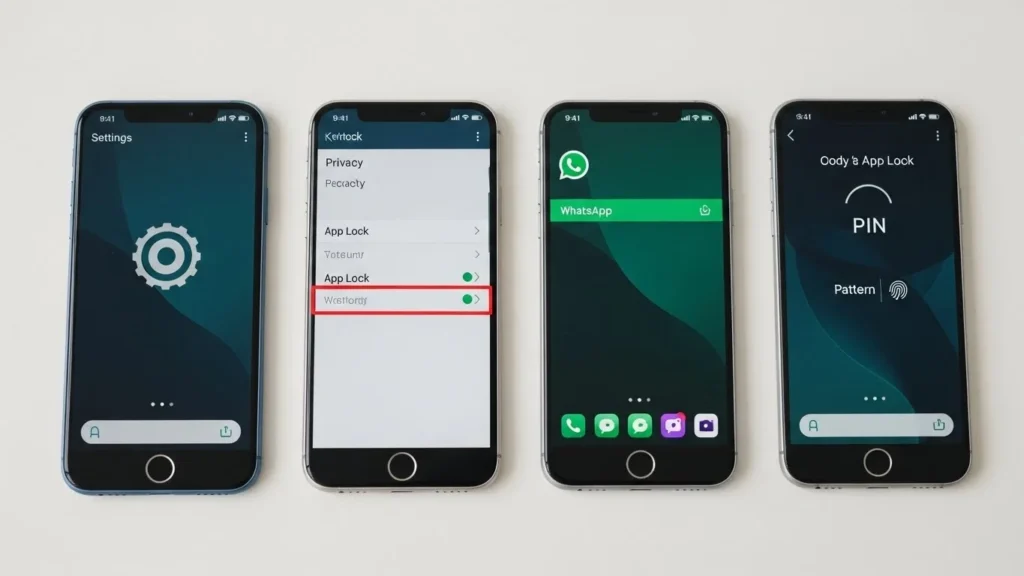
This locks WhatsApp effectively without needing a third-party app.
Method 3: Lock WhatsApp Using Screen Lock Shortcut (Instant Lock Trick)
Another simple trick is using the screen lock shortcut to instantly lock your phone and WhatsApp:
- Enable your phone’s screen lock (PIN, Pattern, or Fingerprint).
- Add the lock shortcut to your home screen or quick settings.
- Tap the lock shortcut whenever you want to lock WhatsApp instantly.
This method is fast and convenient, especially if you share your phone occasionally.
How to Unlock WhatsApp If You Forget Your Lock?
If you forget your fingerprint, PIN, or pattern:
- Use your phone lock to access WhatsApp.
- Go to WhatsApp settings to reset fingerprint or PIN.
- If all else fails, reinstalling WhatsApp will remove the lock, but your chats will remain if backed up.
Tips to Increase WhatsApp Privacy
Locking WhatsApp is just the first step. Follow these tips for maximum privacy:
- Enable 2-step verification to prevent unauthorized access.
- Hide your online status from unknown contacts.
- Mute unknown people to avoid spam messages.
- Hide your profile photo from strangers.
These settings keep your personal information secure and reduce unwanted attention.
Conclusion
In this article, we have told you how you can lock your WhatsApp without using a third party. I have told you three methods by which you can lock WhatsApp and also showed you the step-by-step process on your mobile phone. I hope you liked this article. If you have any feedback or are facing any problem in locking the app, then you can ask us in the comment section. We will definitely reply to you.
Read More:
- How to Fix Slow Charging Issue on OPPO A54
- How to Speed Up OPPO A54 Without Reset
- How to Block Unknown Numbers on OPPO A54

My name is Mujahid Shah. I provide helpful information about mobile phones, laptops, and general technology topics. I write simple and easy guides to help people solve common problems and understand tech in a better way.