

Your mobile screen gets dirty every day due to fingerprints, dust, and bacteria. But cleaning it the wrong way can create permanent scratches, reduce touch sensitivity, and damage the oleophobic coating.
In this guide, you’ll learn how to clean your mobile screen safely at home using simple items without any risk of scratches.
Why You Should Clean Your Mobile Screen Regularly
A dirty mobile screen not only looks bad but can also affect:
- Touch performance
- Display clarity
- Hygiene (screens carry more germs than toilet seats!)
That’s why regular, gentle cleaning is important.
Things You Should Never Use on a Mobile Screen
Before cleaning, avoid using these items because they cause scratches or damage:
| Item | Why You Should Avoid |
|---|---|
| Tissue paper | Creates micro-scratches |
| Rough cloth | Damages screen coating |
| Window/Glass cleaner | Contains chemicals not safe for screens |
| Alcohol directly | Removes coating |
| Paper towel | Leaves lint + scratches |
| Water spray directly | Can enter speakers or charging port |
Safe Items You Can Use at Home
You only need:
- Microfiber cloth
- Distilled or clean water
- Mild hand soap (optional)
- Cotton buds (optional)
- Soft lens-cleaning solution (optional)
Method 1: Clean Mobile Screen With Microfiber Cloth (Safest Method)
This is the everyday cleaning method that removes fingerprints without scratches.
Steps:
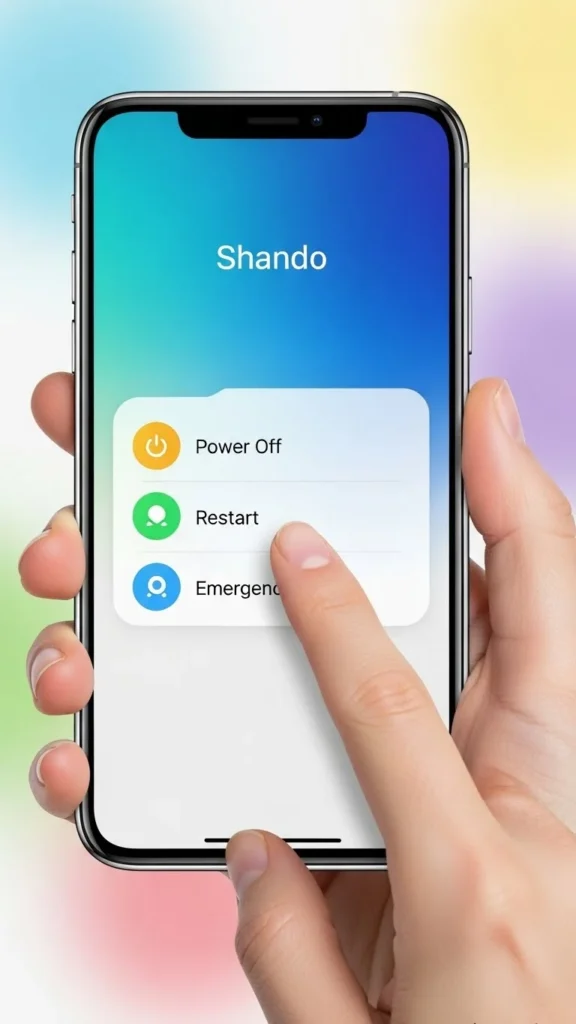
Turn off your phone.
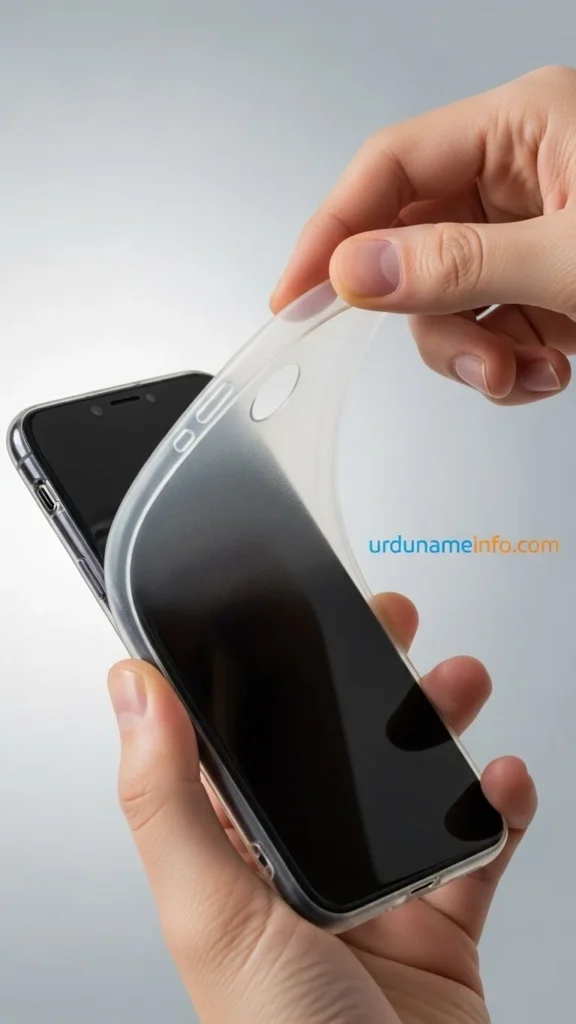
Also remove the back cover.
Take a clean microfiber cloth.
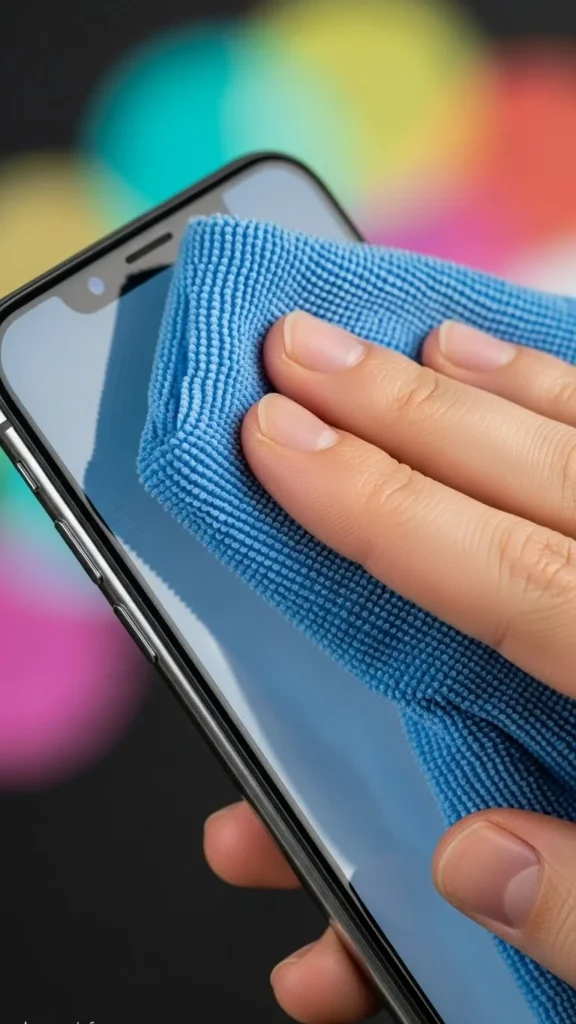
Gently wipe the screen in circular motion.

Do not apply too much pressure.
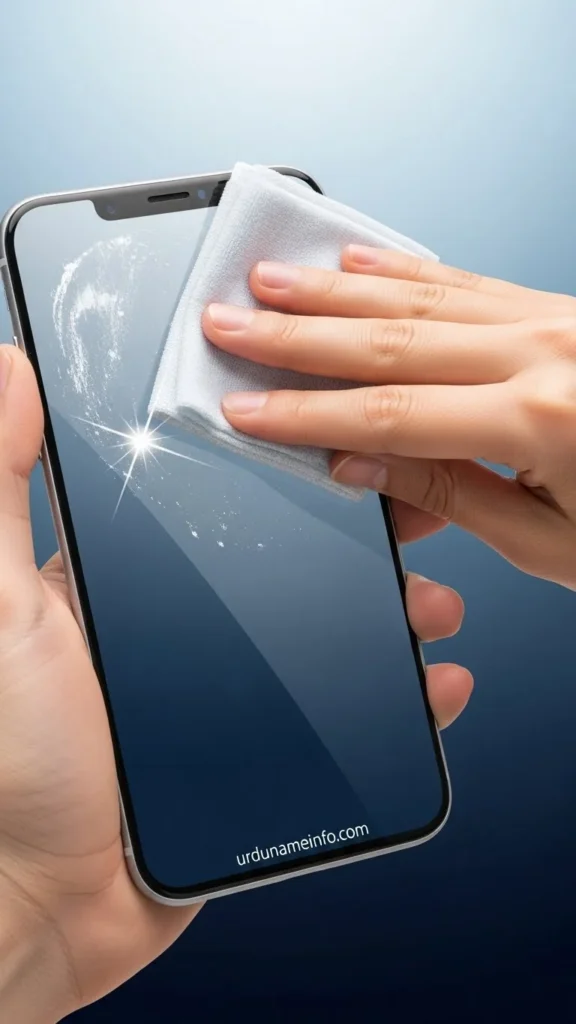
This removes dust, fingerprints, and light smudges safely.
Method 2: Clean Mobile Screen Using Water + Cloth (Deep Cleaning)
If the screen is very dirty or sticky, use this method.
Steps:
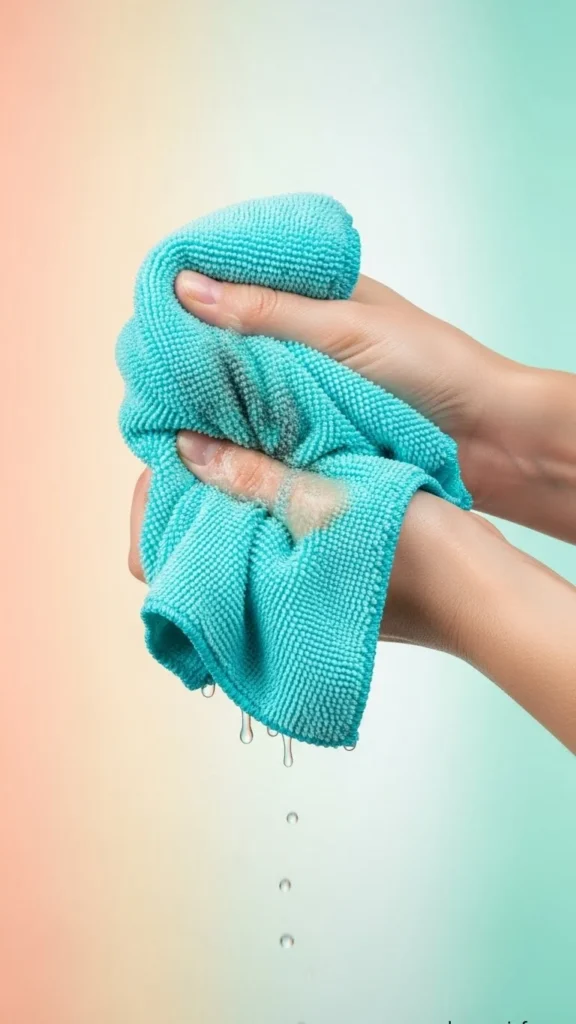
Slightly dampen a microfiber cloth with clean water.
Make sure the cloth is not dripping wet.
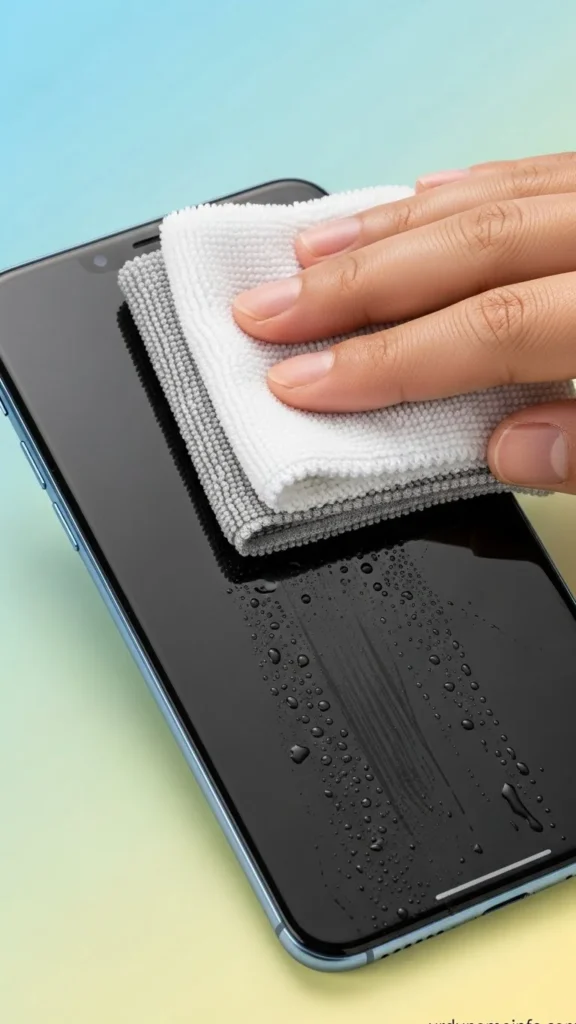
Wipe the screen gently from top to bottom.
Use the dry side of the cloth to remove extra moisture.
Keep your phone switched off until fully dry.
Important: Don’t spray water directly on the screen.
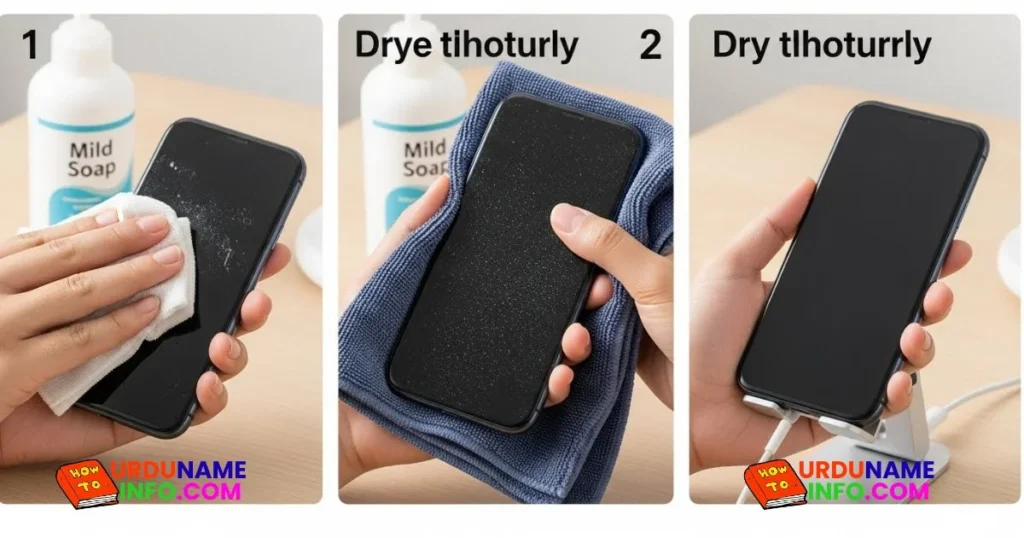
Method 3: Clean Mobile Screen Using Soap Solution
Useful when your screen has oily smudges.
Steps:
- Mix one drop of mild hand soap in a bowl with water.
- Dip the microfiber cloth slightly then squeeze completely.
- Gently wipe the screen.
- Use a second dry microfiber cloth to remove soap residue.
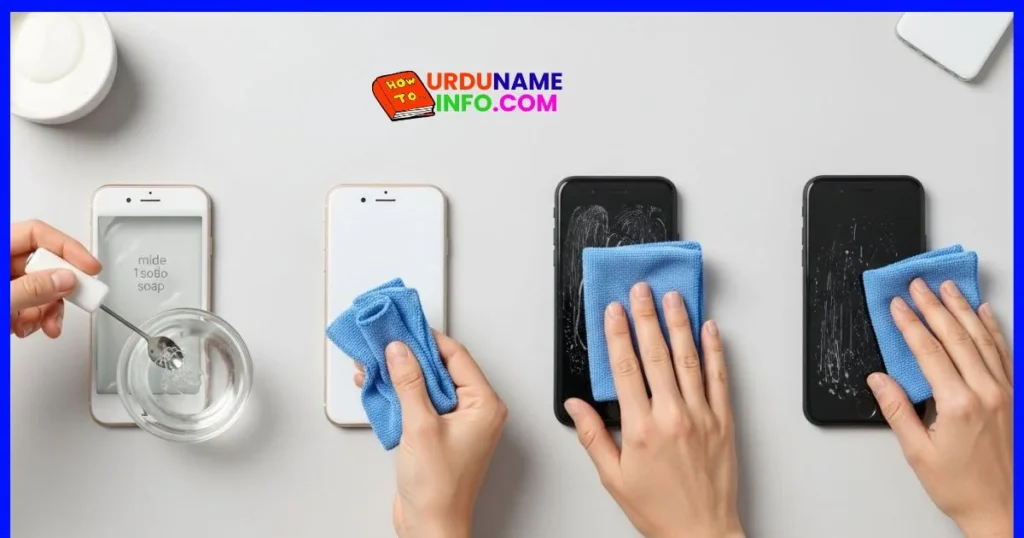
Avoid using strong detergents.
Method 4: Clean Mobile Screen Using Lens Cleaner
Lens cleaners for glasses are generally safe.
Steps:
- Put lens cleaner on the cloth (not on the phone).
- Wipe the screen gently.
- Finish with a dry microfiber cloth.
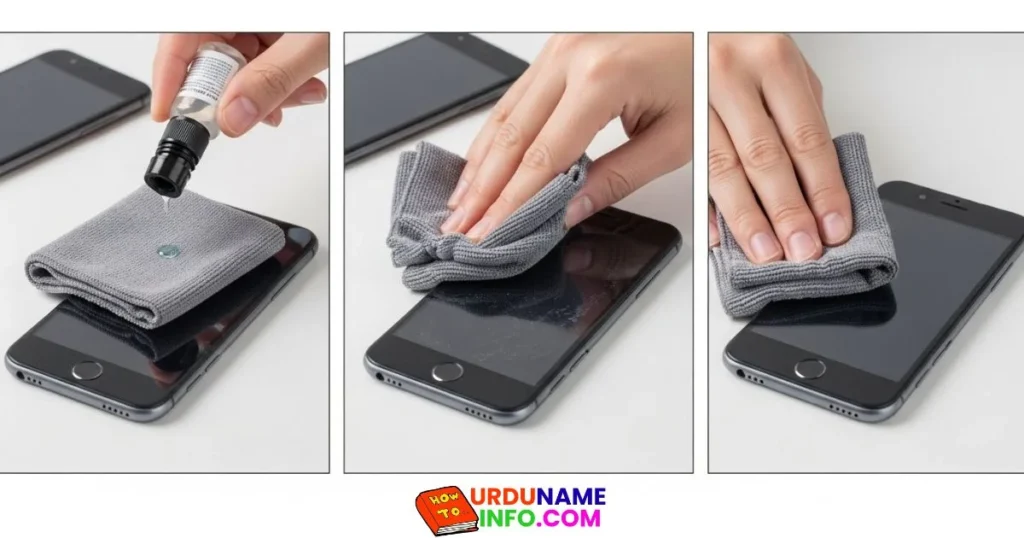
This method restores shine without damaging the display.
How to Clean the Edges & Speaker Area
Dust often gets stuck in:
- Speaker
- Charging port
- Edges of the screen
Steps:
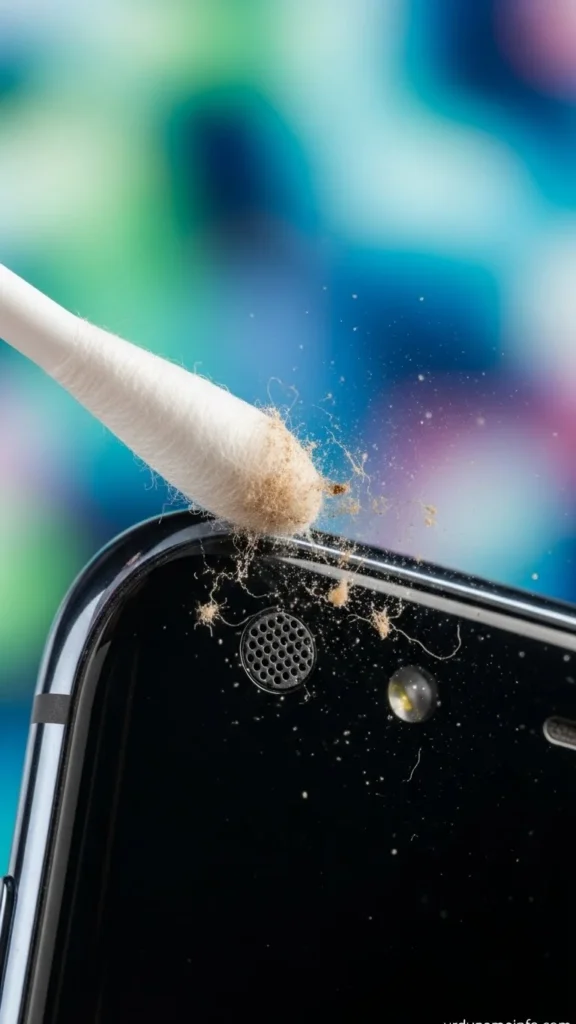
- Use a dry cotton bud.
- Clean the corners lightly.
- Never insert water inside speakers or ports.
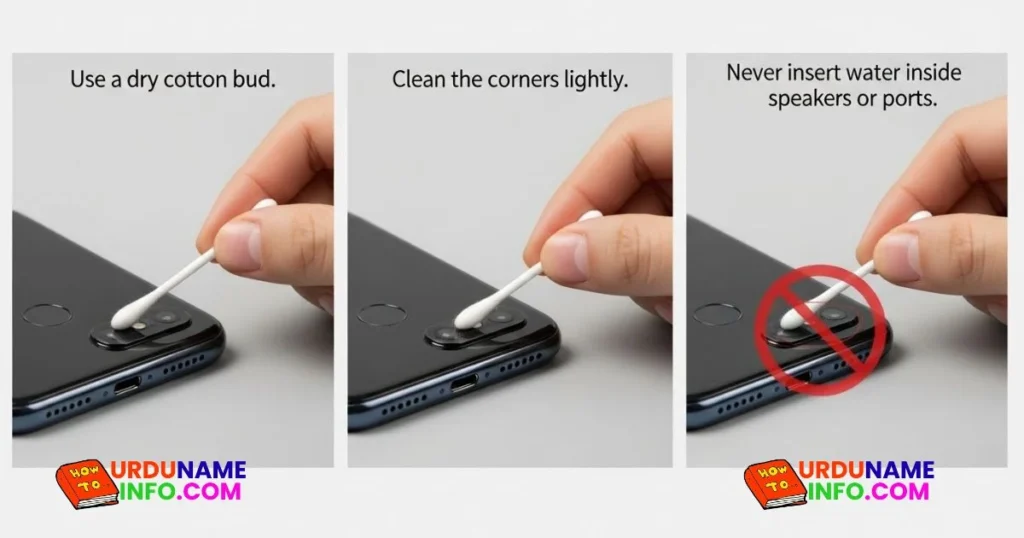
Read More:
- How to Lock WhatsApp Without Any App
- How to Fix Slow Charging Issue on OPPO A54
- How to Speed Up OPPO A54 Without Reset
How to Clean the Back Cover
If your case looks cloudy:
- Wash it with mild soap
- Dry it completely
- Then put it back
Safety Tips (Must Follow)
- Always clean gently pressure can cause scratches.
- Do not use paper-based products.
- Avoid alcohol sprays unless recommended by brand.
- Clean the screen once or twice a week.
Conclusion
Cleaning your mobile screen at home is easy as long as you use the right method.
A microfiber cloth is the safest option, and water-based cleaning works well for deeper cleaning.
Avoid rough materials and chemicals to keep your screen free from scratches

My name is Mujahid Shah. I provide helpful information about mobile phones, laptops, and general technology topics. I write simple and easy guides to help people solve common problems and understand tech in a better way.