
If your internet feels slow while browsing, streaming, or downloading files, the first thing you should do is check your internet speed. Many people think they need to install software for this, but the truth is, you can check internet speed directly from your browser, no app required.
This method works on Windows, Mac, and even Chromebooks. All you need is a working internet connection and a web browser.
Let’s see how to do it properly.
Method 1: Use Google Speed Test (Quickest Way)
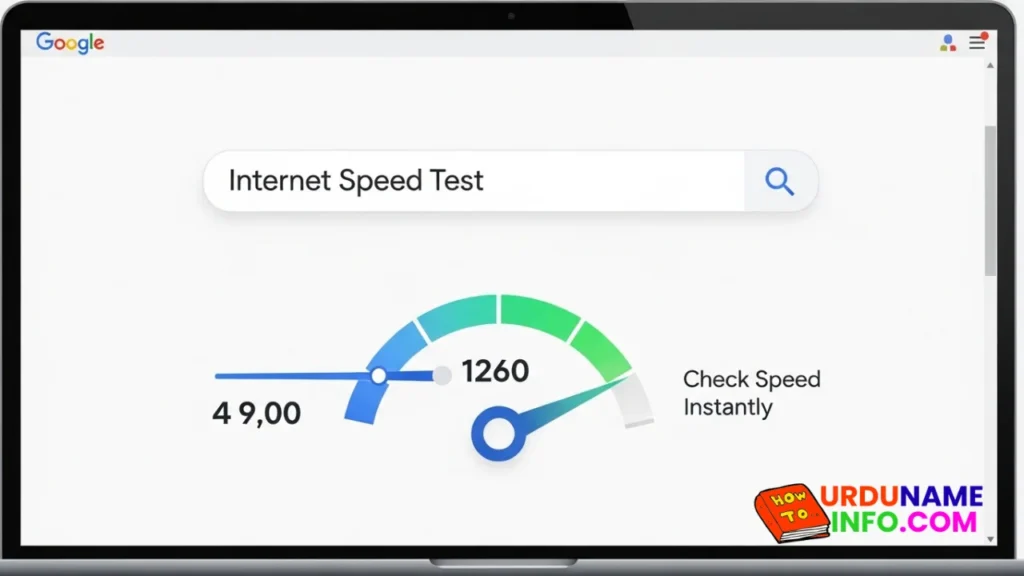
The easiest way to check internet speed on a laptop without any app is through Google. Open your browser and type “internet speed test” in the search bar.
Google will show a built-in speed test tool at the top of the results page. Click on “Run Speed Test,” and within seconds, you will see your download speed, upload speed, and ping.
This method is fast, simple, and requires no installation.
Method 2: Use Online Speed Test Websites
Another reliable method is using trusted speed test websites like Ookla Speedtest or Fast.com. These websites automatically detect your connection and measure speed in real time.
Just open the website and press the start button. Within a few seconds, the results will appear.
This method is helpful if you want more detailed results, including server location and network stability.
Read More: Common Laptop Mistakes That Reduce Performance
Understanding the Speed Test Results
When you run a speed test, you will see three main values:
Download Speed shows how fast you receive data from the internet.
Upload Speed shows how fast you send data.
Ping (Latency) measures the response time between your device and the server.
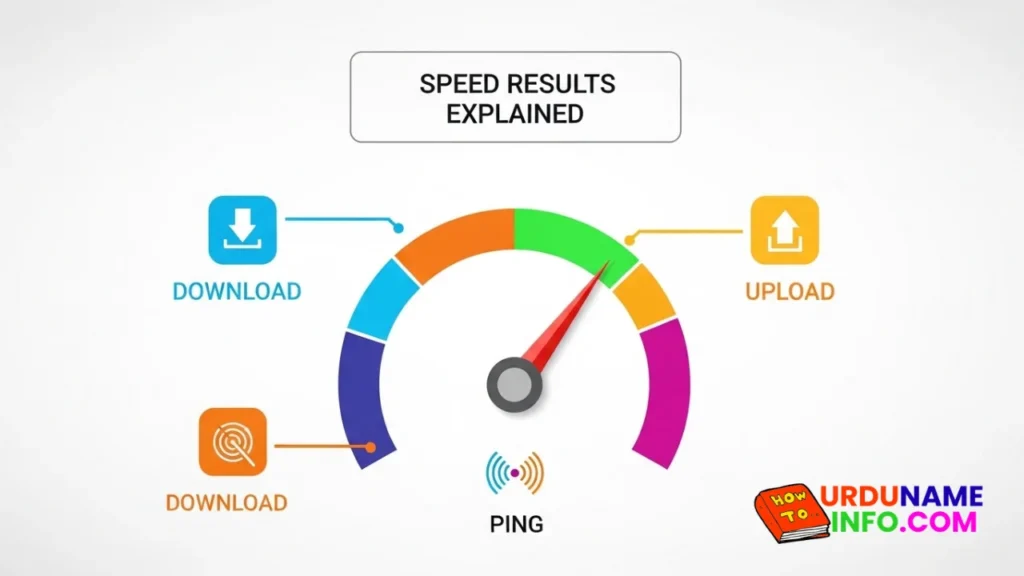
For smooth browsing and streaming, a higher download speed and lower ping are better.
Why Your Internet Speed May Be Slow
If the speed test shows low results, there could be several reasons. Too many devices connected to the same WiFi, background downloads, outdated network drivers, or weak signal strength can all affect performance.
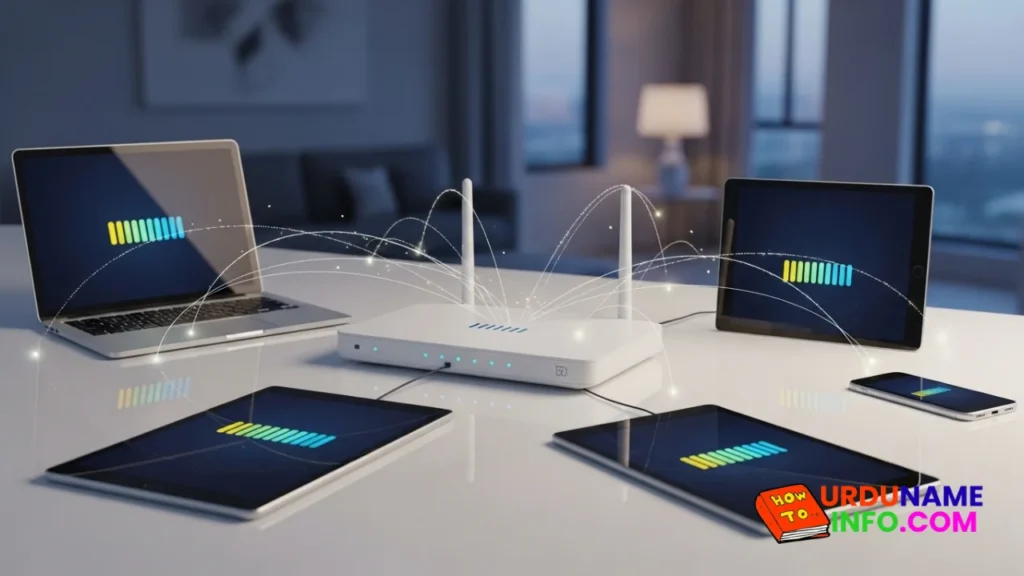
Sometimes simply restarting your router improves speed instantly.
Do You Need an App to Check Speed?
No, you do not need to install any application to check the internet speed. Browser-based tools are accurate and safe.
Installing unknown apps may slow down your laptop or cause unnecessary background usage. Online tools are the safest and fastest option.
Conclusion
Checking internet speed on your laptop without an app is simple and takes less than a minute. Using Google’s built-in test or trusted speed test websites gives you accurate results without installing anything.
If your internet feels slow, always test it first before changing settings or contacting your provider. A quick speed test helps you understand the real issue.

My name is Mujahid Shah. I provide helpful information about mobile phones, laptops, and general technology topics. I write simple and easy guides to help people solve common problems and understand tech in a better way.