
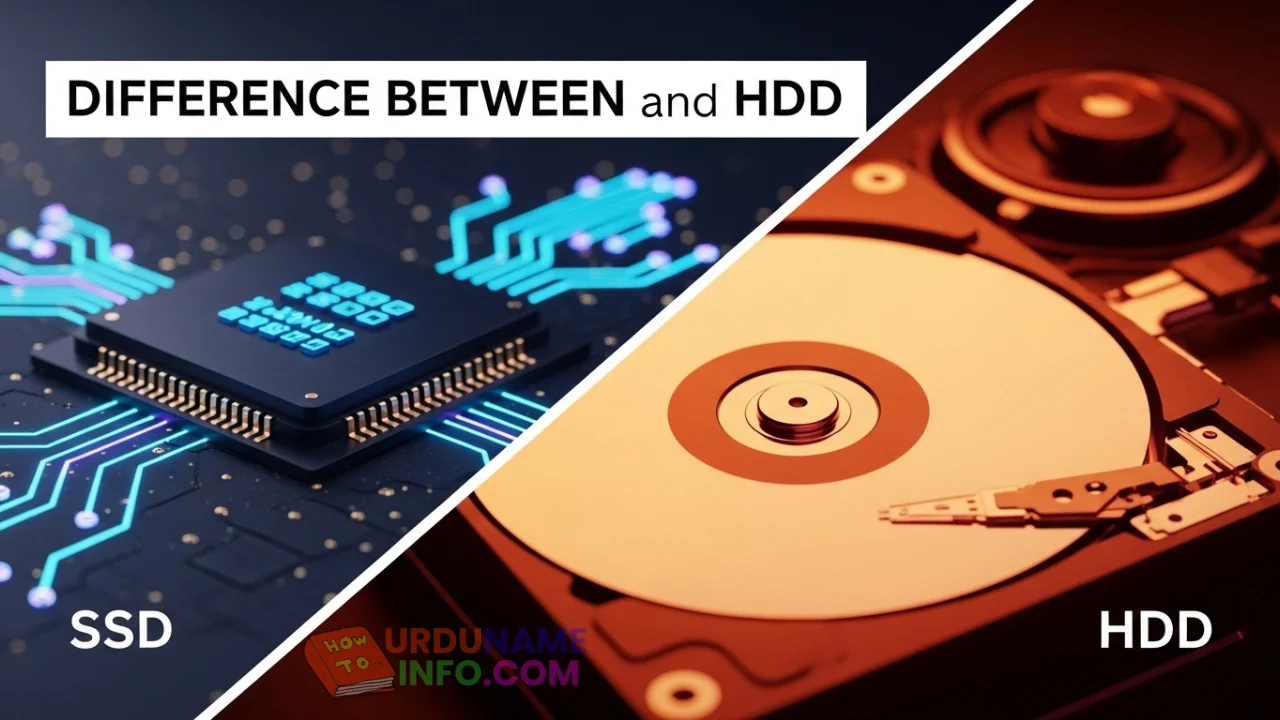
If you are new to computers, terms like SSD and HDD can sound confusing. Many people hear that SSD is “faster” and HDD is “cheaper,” but they don’t really understand why.
Both SSD and HDD are storage devices. They store your Windows system, software, files, photos, and videos. The main difference is how they work, and that directly affects your laptop’s speed and performance.
Let’s break it down in the simplest way possible.
What Is an HDD?
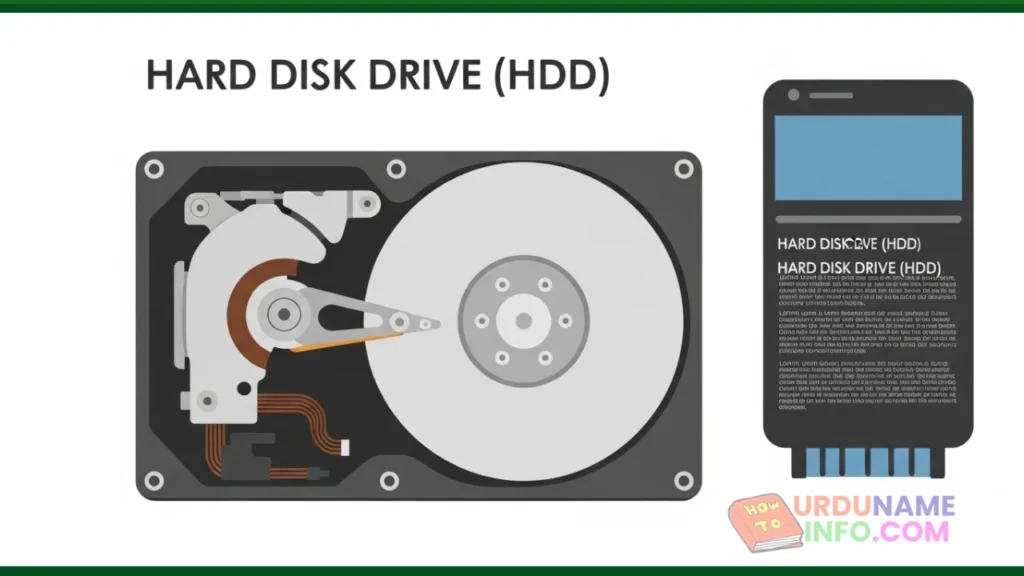
HDD stands for Hard Disk Drive. It is the older and traditional type of storage that has been used in computers for many years.
An HDD works like a spinning disk. Inside it, there are moving parts that read and write data. Because of these moving parts, HDDs are slower and more sensitive to physical damage.
Most old laptops come with HDDs by default.
What Is an SSD?
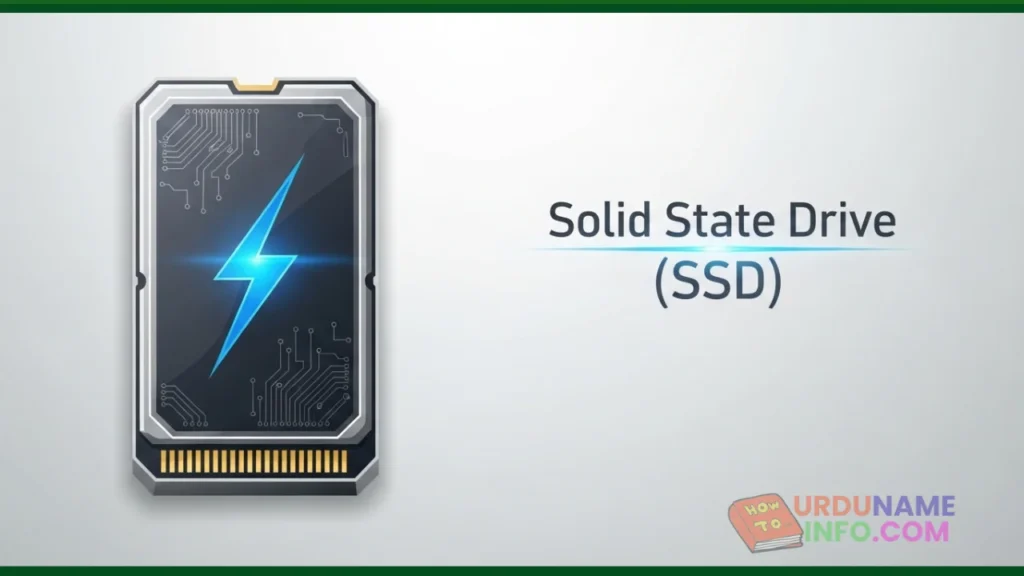
SSD stands for Solid State Drive. It is a newer type of storage with no moving parts. SSDs store data on memory chips, similar to a USB drive or smartphone storage.
Because there are no spinning disks, SSDs are much faster, quieter, and more reliable than HDDs.
Modern laptops mostly use SSDs.
Speed Difference Between SSD and HDD
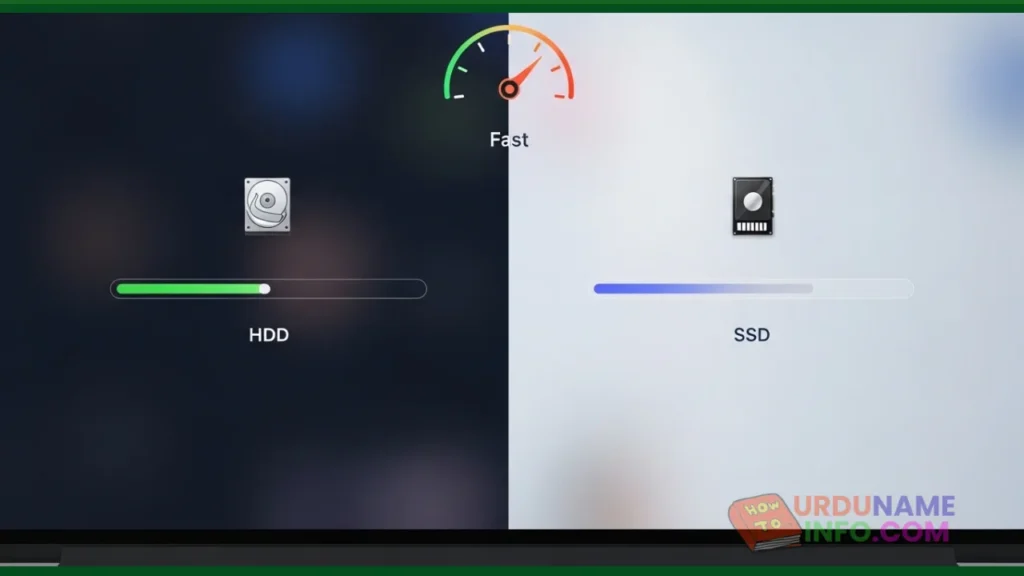
Speed is the biggest and most noticeable difference.
A laptop with an HDD may take a long time to start, open apps slowly, and feel laggy. On the other hand, an SSD can boot Windows in seconds and open programs almost instantly.
For beginners, this means:
- SSD = fast and smooth experience
- HDD = slow but usable for basic tasks
Storage Capacity and Price Difference
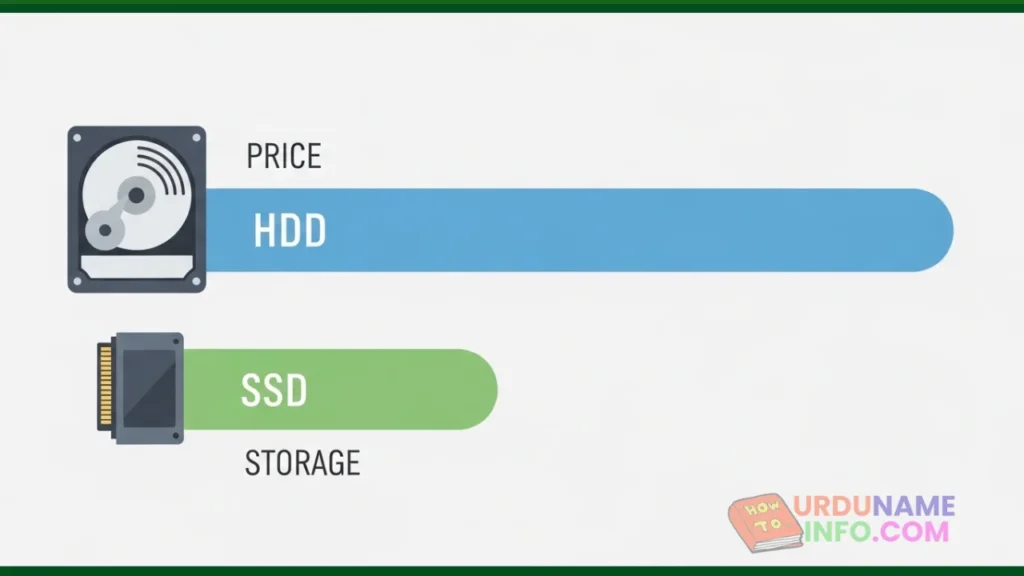
HDDs usually offer more storage at a lower price. This is why they are still used for storing large files like movies, backups, and archives.
SSDs are more expensive per GB, but prices are dropping every year. Many users prefer smaller SSDs for speed rather than large HDDs.
Simply put:
- HDD is cheaper and bigger
- SSD is faster but costs more
Durability and Lifespan
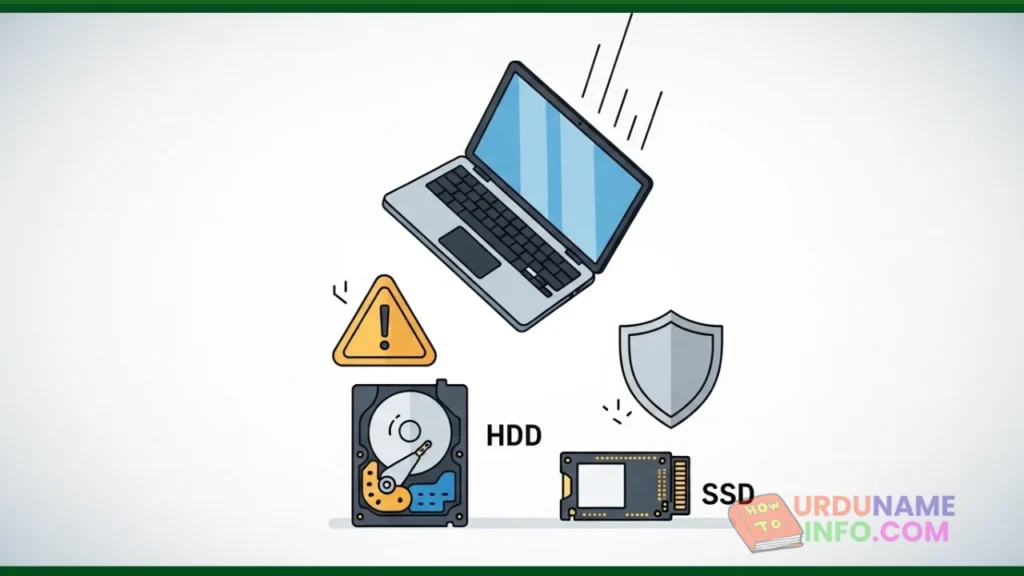
Since HDDs have moving parts, they can be damaged easily if the laptop falls or gets shocked. SSDs are more durable because they have no mechanical parts.
For laptops that are carried daily, SSDs are a safer option.
Power Consumption and Battery Life
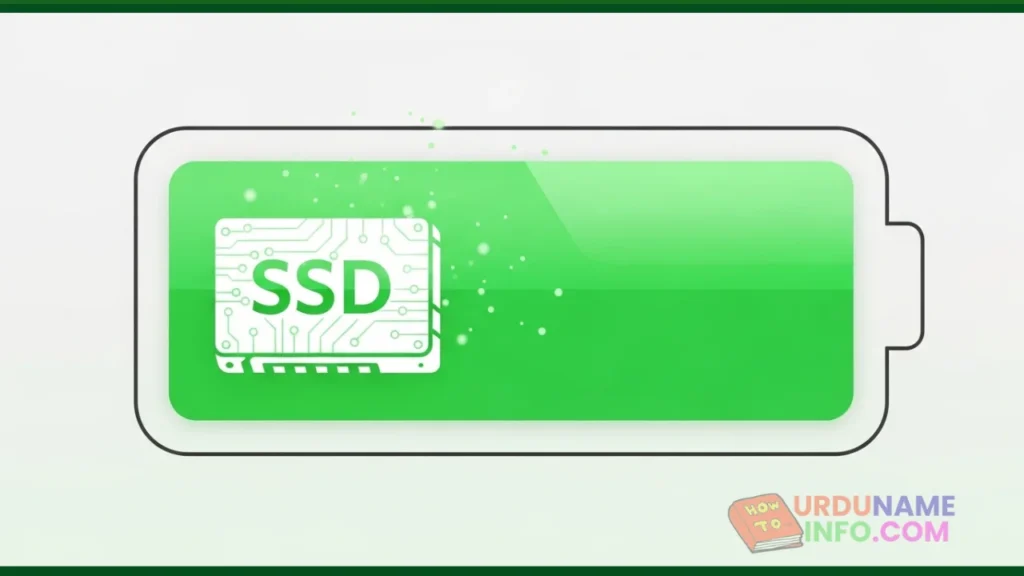
SSDs use less power compared to HDDs. This means laptops with SSDs usually get better battery life.
If battery backup matters to you, SSD is clearly the better choice.
Read More: How to Check Laptop Battery Health in Windows (Windows 10 & 11)
Which One Is Better for Beginners?
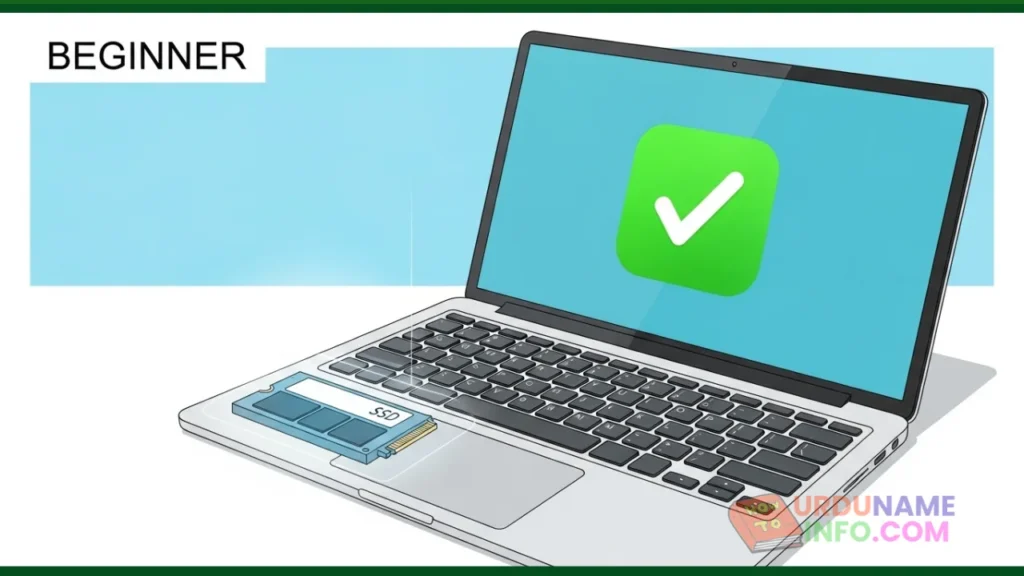
For beginners, SSD is the best choice if the budget allows. It makes the laptop feel fast, responsive, and modern.
HDD is only recommended if you need very large storage at a low cost, and speed is not a priority.
Many people use both:
SSD for Windows and apps, HDD for storage.
Conclusion
Understanding the difference between SSD and HDD helps you make smarter decisions when buying or upgrading a laptop. SSDs offer speed, durability, and better battery life, while HDDs provide affordable, large storage.
For most beginners, choosing an SSD means a smoother and frustration-free experience.

My name is Mujahid Shah. I provide helpful information about mobile phones, laptops, and general technology topics. I write simple and easy guides to help people solve common problems and understand tech in a better way.