
Touch screen problems are very common in Android phones. Sometimes the touch becomes slow, unresponsive, or even works on its own (ghost touch). The good news is that you can fix many of these issues at home without spending money.
Below are the best working solutions.
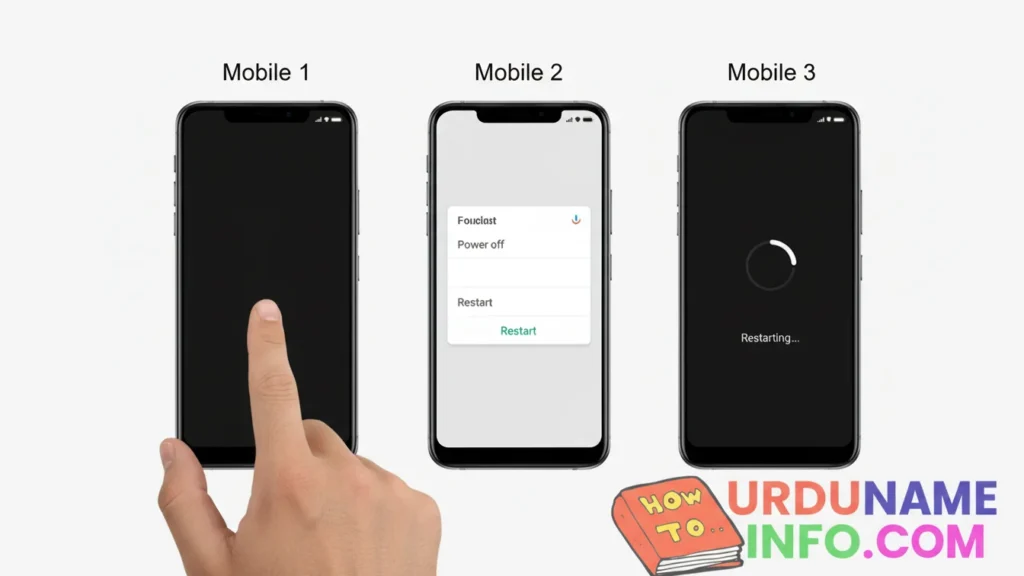
Restart Your Mobile
A simple restart can fix temporary touch lags caused by background apps, cache overload, or minor system glitches.
Steps:
- Press and hold the Power button
- Tap Restart
- Wait until the phone boots again
Remove Screen Protector / Clean the Screen
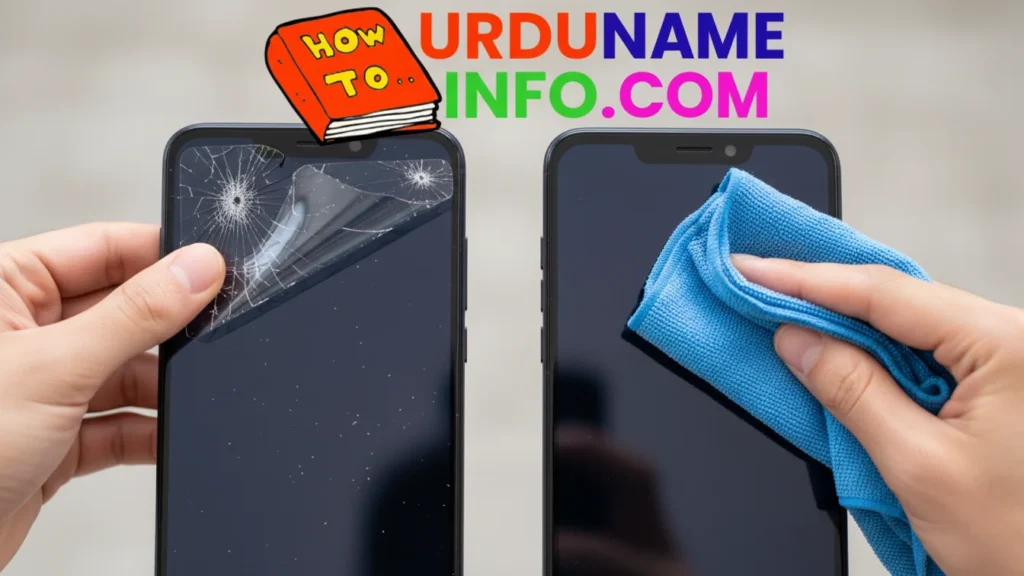
Cheap or cracked protectors interfere with touch.
Try this:
- Remove the old/cheap protector
- Clean the screen with a microfiber cloth
- Make sure your hands are dry
Boot in Safe Mode
If any app is causing a touch problem, Safe Mode will identify it.
How to enable Safe Mode:
- Press and hold the Power button
- Tap and hold Power Off
- Select Safe Mode
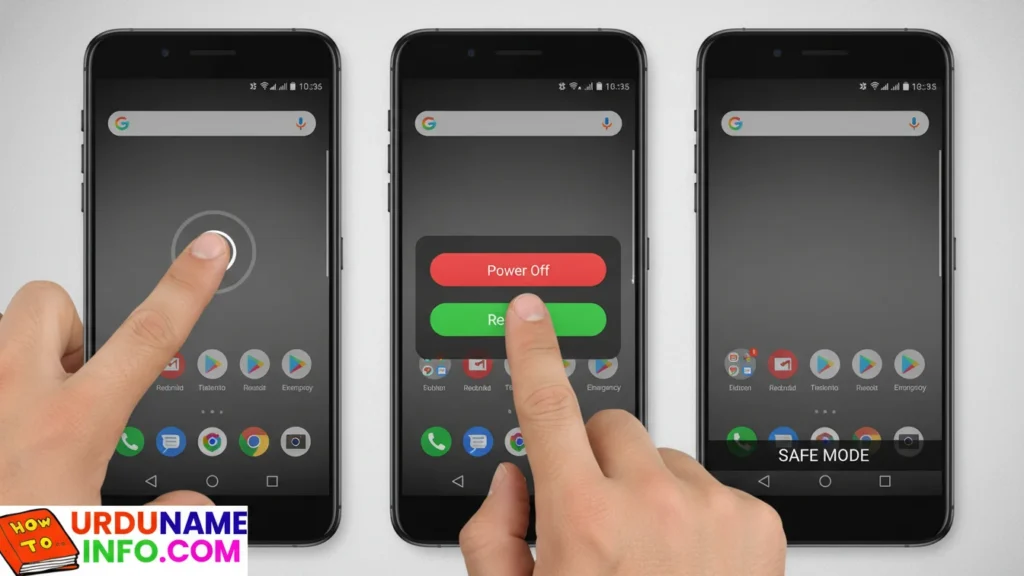
If touch works in Safe Mode → uninstall recently-installed apps.
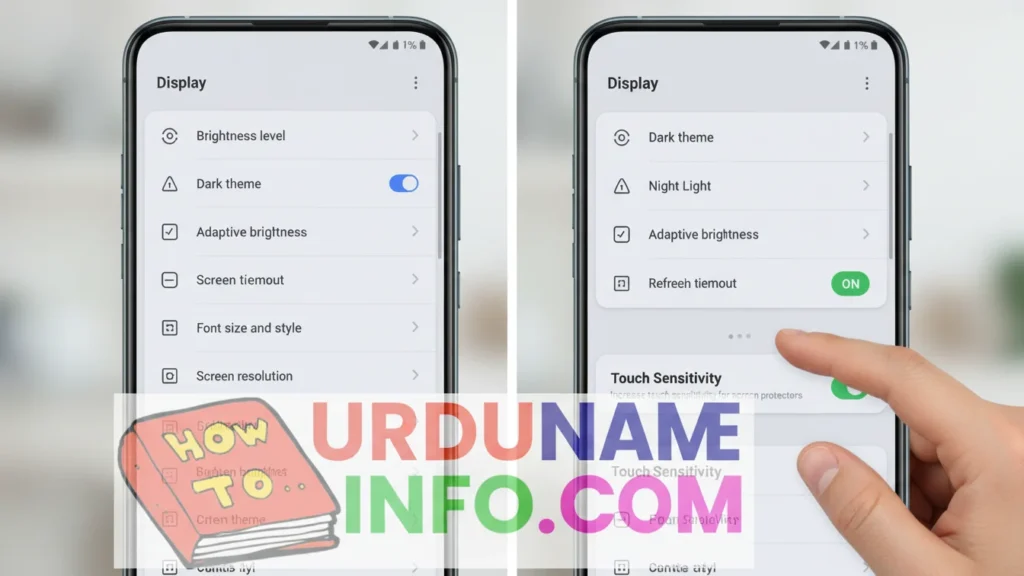
Enable “Touch Sensitivity”
Some phones have a built-in option to increase touch response.
Steps (may vary):
- Open Settings
- Tap Display
- Turn ON Touch Sensitivity
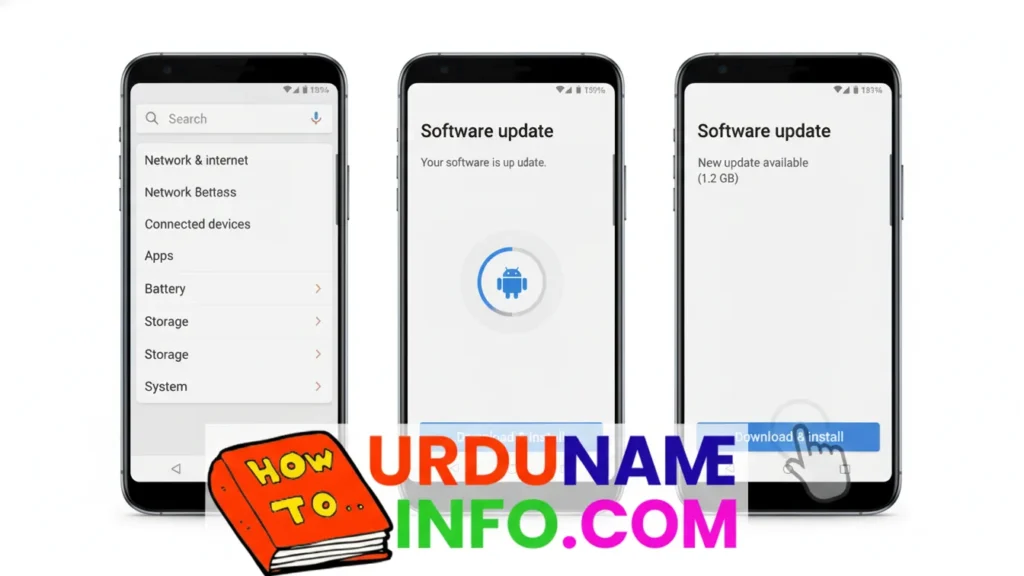
Update Your Software
Old system versions may have bugs causing touch delays.
Steps:
- Go to Settings
- Tap Software Update
- Tap Download & Install
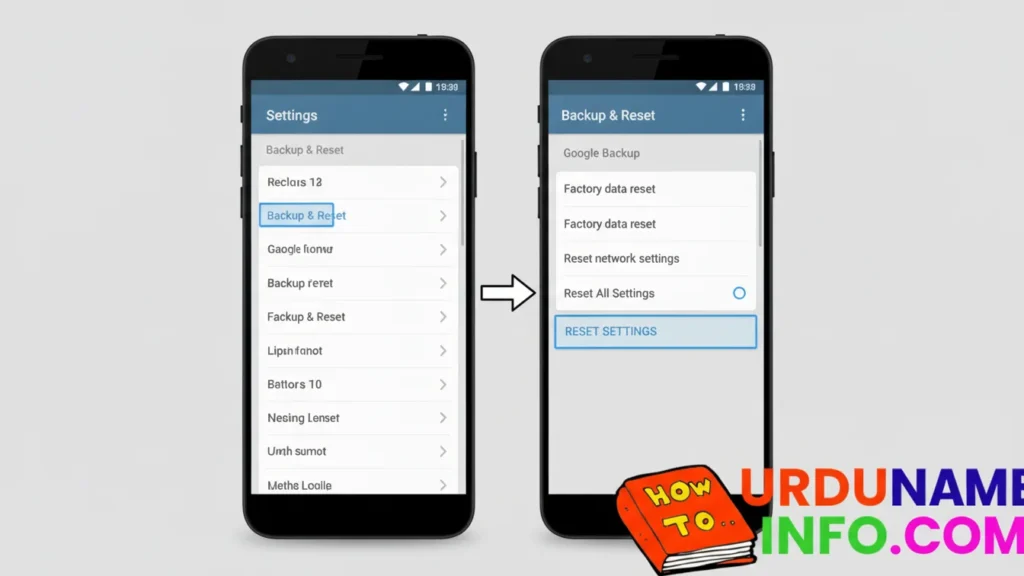
Reset All Settings
If wrong settings caused the issue, this will fix it without deleting data.
Steps:
- Go to Settings
- Tap Backup & Reset
- Tap Reset All Settings
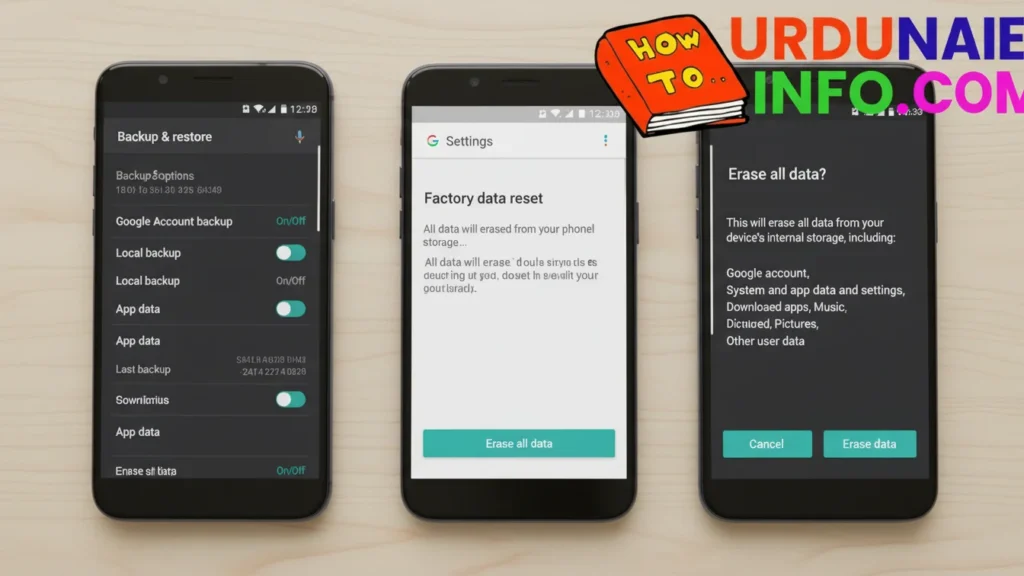
Factory Reset (Last Option)
Only use this if nothing else works.
Steps:
- Backup your data
- Go to Settings → Backup & Reset
- Tap Erase All Data / Factory Reset
Read More:
- How to Fix Mobile Overheating Issue (Easy & Permanent Solutions)
- How to Enable Call Recording in Android (Step-by-Step Guide)
- How to Speed Up Slow Internet in Mobile Full Guide
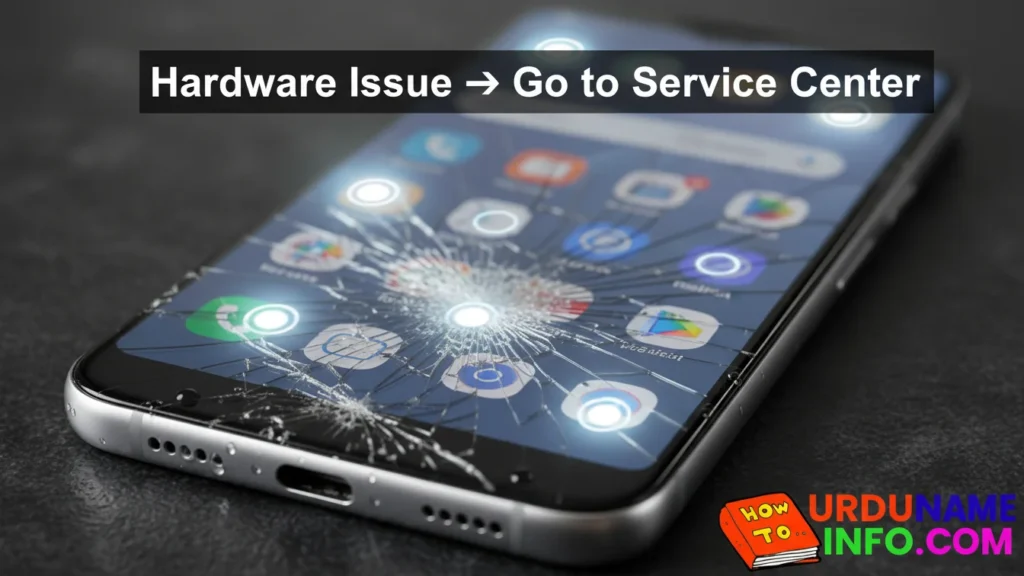
Hardware Repair Needed
Touch will NOT work if:
- The screen is cracked
- The display connector is damaged
- Water entered the screen
- Overheating damaged the touch IC
In this case, visit a professional repair shop.
Conclusion
In this article, I have told you in full detail how you can repair your mobile phone’s touch screen if it is not working. I have shared the step-by-step instructions with you all. I hope you liked this article. If you have any problem with your mobile phone, if the touch screen is not working, and these steps do not work, then ask us in the comment section. We will definitely give you a solution.

My name is Mujahid Shah. I provide helpful information about mobile phones, laptops, and general technology topics. I write simple and easy guides to help people solve common problems and understand tech in a better way.