
Mobile overheating issue is a very common problem for Android users. It is a problem when you people play games or use social media while charging your mobile on any charging station, then your device gets overheated. You repeatedly get an error that something like dangerous heat is happening. So, don’t get stressed. Read this article completely. In it, I will tell you the complete address and how you can fix the overheated issue.
In this guide, you will learn the easiest and most effective ways to fix mobile overheating permanently.
Close All Background Apps
When too many apps run in the background, the processor works harder and generates heat.
Steps:
- Open Recent Apps
- Tap Clear All
- Remove heavy apps like TikTok, Instagram, Facebook, Chrome
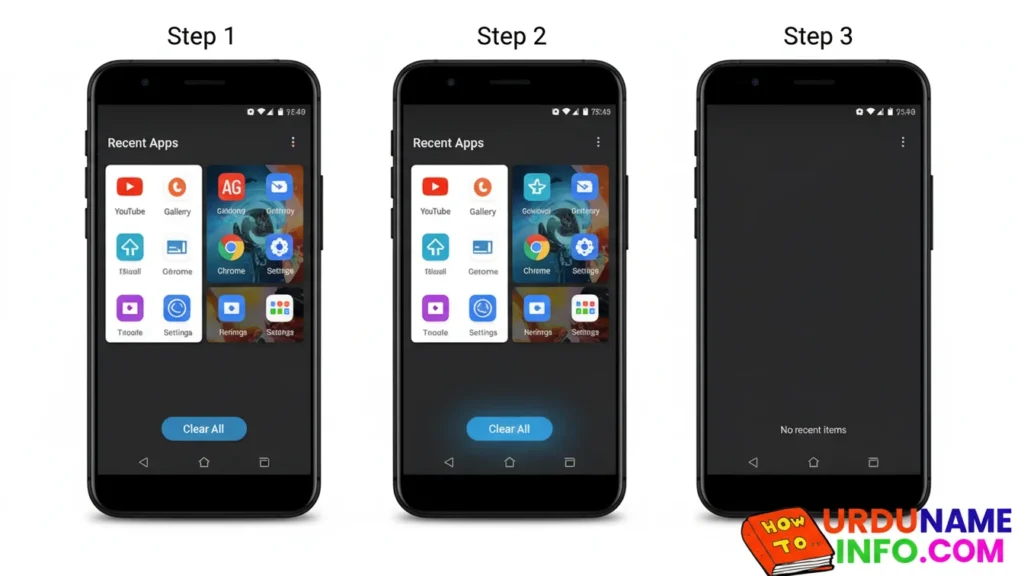
This reduces CPU load instantly.
Read More: How to Speed Up OPPO A54 Without Reset
Remove Your Phone Case
Many protective covers trap heat inside the phone.
Remove the cover for 10–15 minutes and keep the phone in open air.
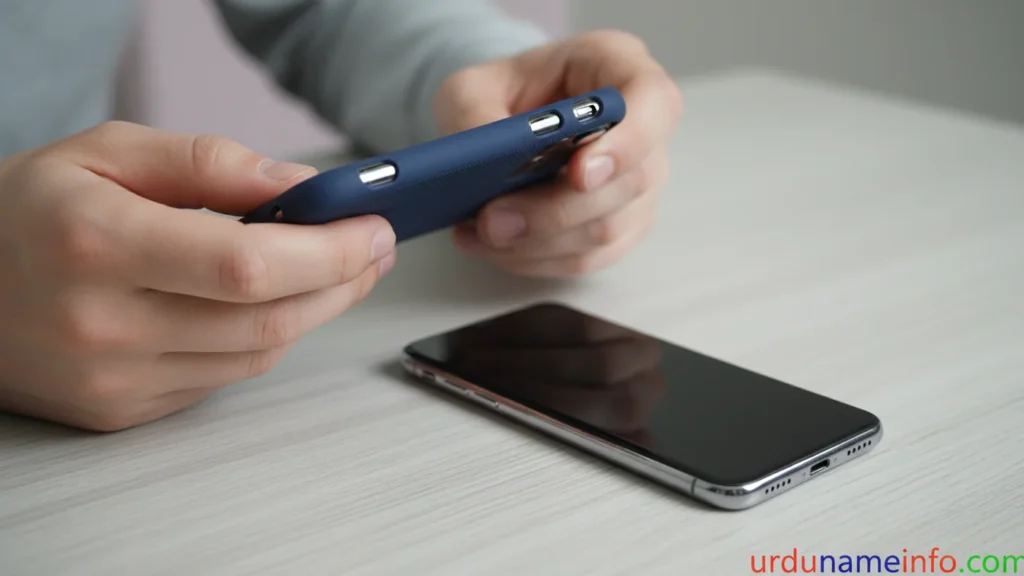
This helps the temperature drop quickly.
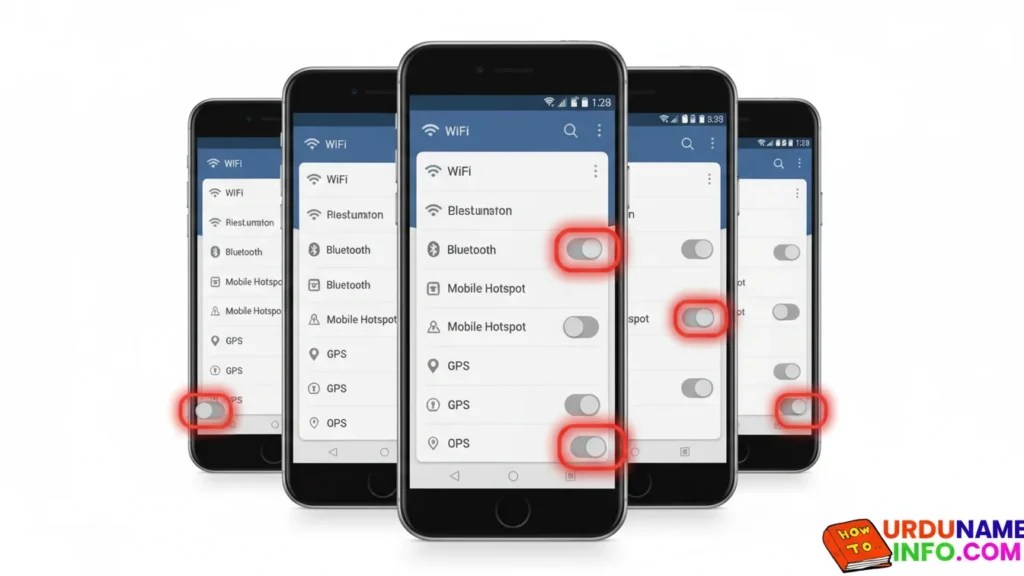
Turn Off Unused Features
WiFi, Bluetooth, Hotspot, and GPS increase battery usage and cause heat if left ON.
Go to Settings → Connections and switch OFF everything you are not using.
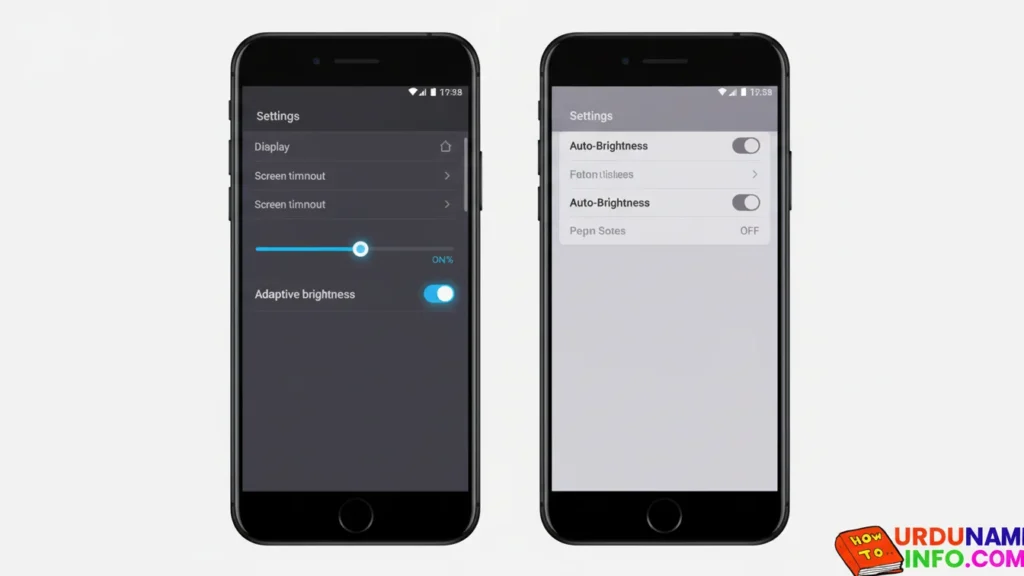
Reduce Screen Brightness
Your display consumes the most battery power.
High brightness = more heat.
Turn brightness to below 50% for best results.
Clear Cache of Heavy Apps
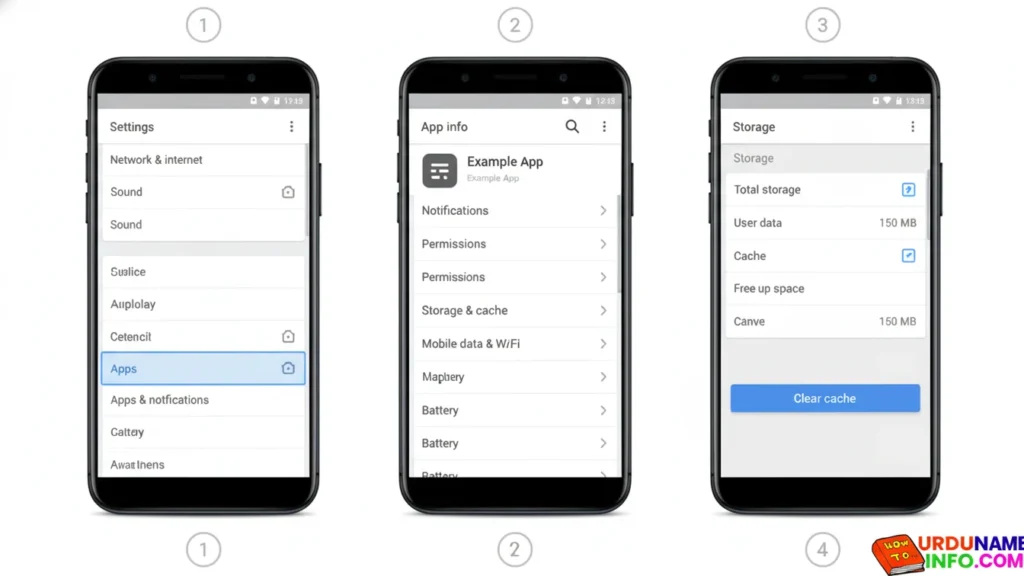
Apps like TikTok, Chrome, YouTube, Facebook store large cache files that heat up the device.
Steps:
- Go to Settings
- Tap Apps
- Select the app (ex: Chrome, TikTok)
- Tap Storage
- Tap Clear Cache
Do NOT select “Clear Data”.
Read More: How to Clear Cache on OPPO A54 (Complete Easy Guide)
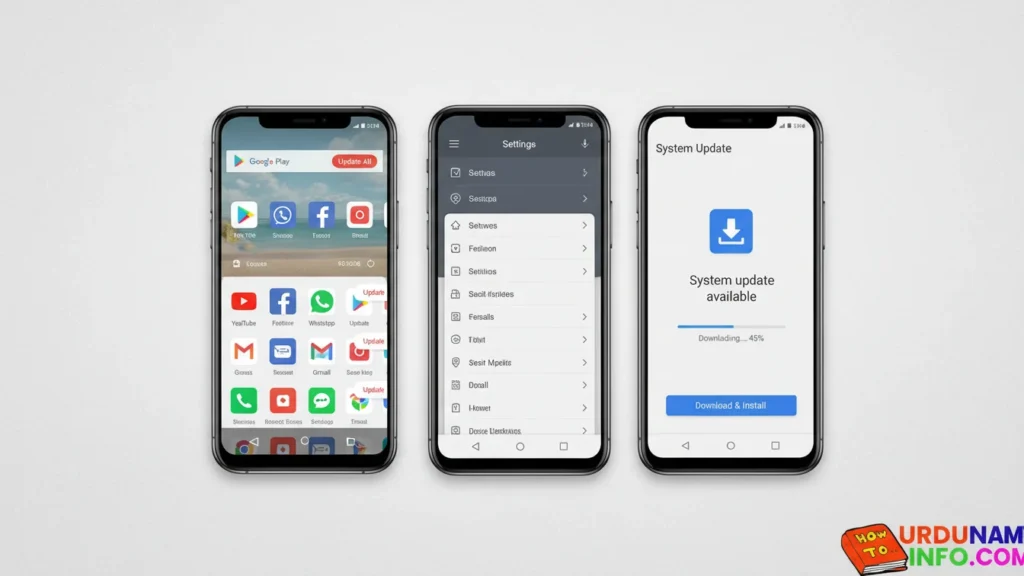
Update All Apps + System Software
Outdated apps contain bugs that cause heating.
Steps:
- Open Play Store
- Tap profile → Manage Apps & Device
- Tap Update All
Also check for system update:
Settings → Software Update → Download & Install
Stop Heavy Apps from Running in Background
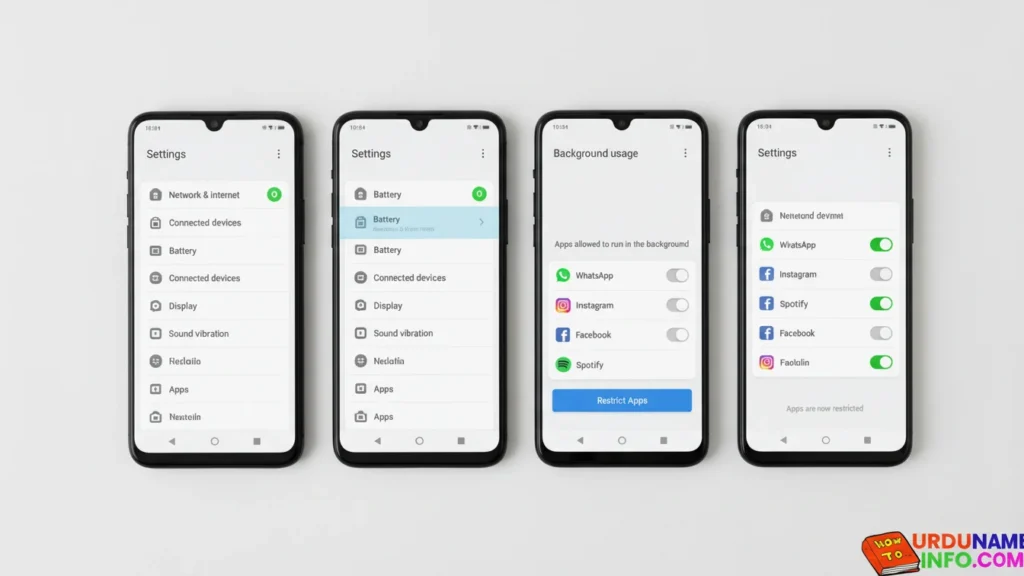
Some apps keep using CPU even when not opened.
Steps:
- Go to Settings
- Tap Battery
- Open Background Usage
- Restrict apps that are not important
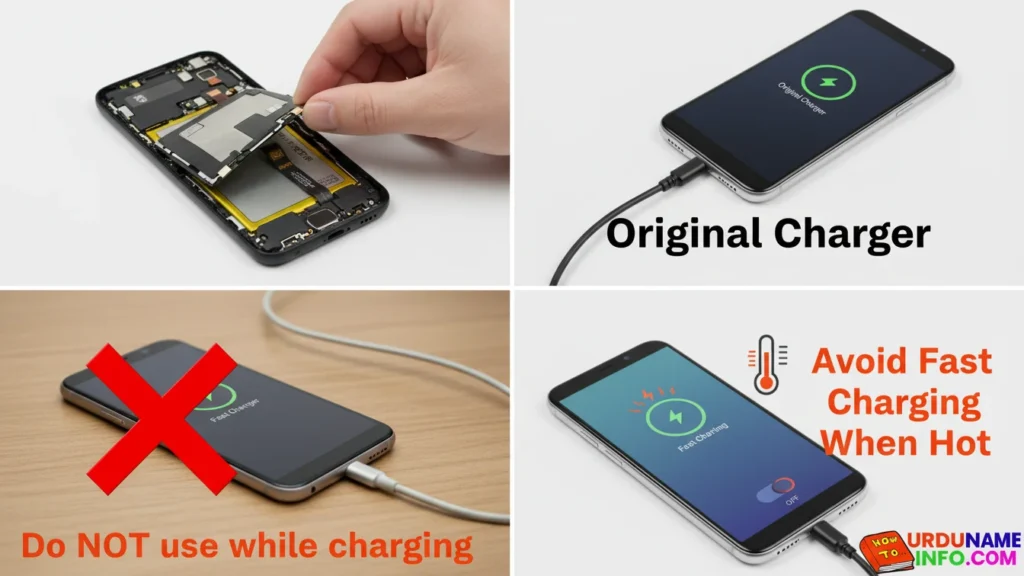
Avoid Fast Charging When Phone is Hot
If your phone heats while charging:
- Remove cover
- Use original charger
- Do NOT use mobile while charging
- Avoid fast charging when already hot
Use Safe Mode to Detect Faulty Apps
Sometimes a single suspicious app can cause overheating.
Steps:
- Press and hold Power Button
- Tap and hold Power Off
- Select Safe Mode
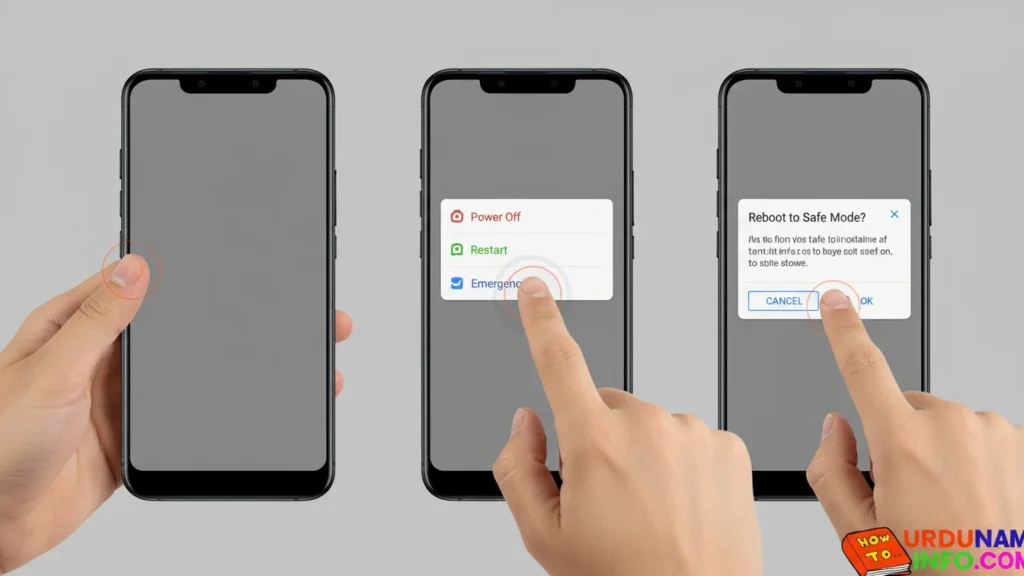
If phone stops heating → uninstall the last installed apps.
Factory Reset (Last Option)
If nothing works, software corruption may be the cause.
Steps:
- Go to Settings
- Tap Backup & Reset
- Tap Erase All Data
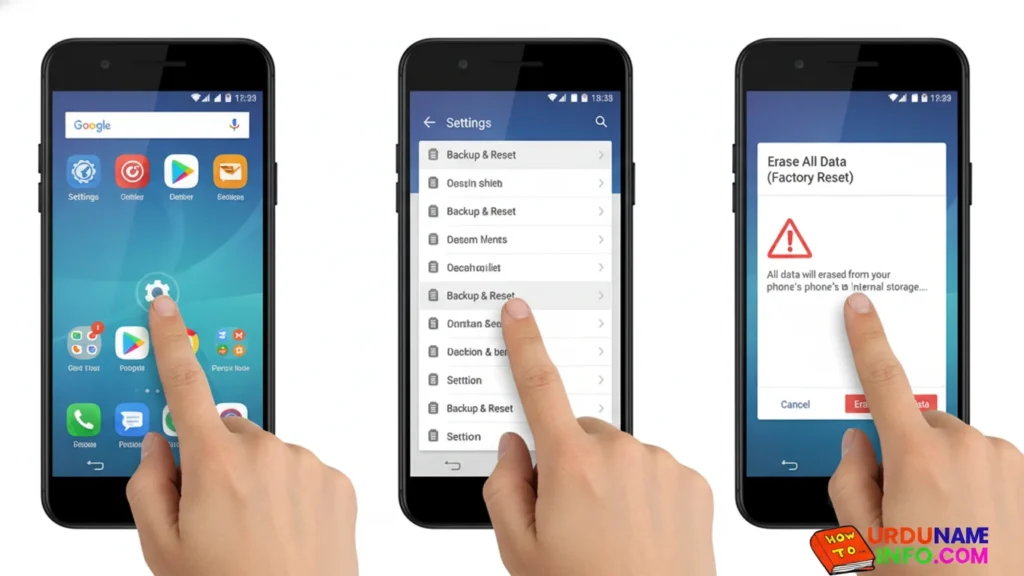
Backup important items before resetting.
Final Tips to Prevent Overheating
- Avoid gaming for long sessions
- Don’t use phone in direct sunlight
- Stop heavy apps after use
- Keep storage free above 5–10 GB
- Always use original charger

These simple tips can dramatically improve your phone’s temperature and performance.
Conclusion
In this article, I have told you in full detail how you guys can fix the heating problem of your mobile phone step by step. I have shared some methods with you guys which will solve this problem of yours. If you guys face any problem in future, then you can ask us in the comment section. We will definitely give you a response. If you have any other problem, then you must tell us in the comment section.

My name is Mujahid Shah. I provide helpful information about mobile phones, laptops, and general technology topics. I write simple and easy guides to help people solve common problems and understand tech in a better way.