
Is your OPPO A54 charging very slowly? Even after using the original charger, does your phone take hours to reach just 50%?
Don’t worry this problem is extremely common in OPPO A-series phones, and the good news is that you can fix the slow-charging issue at home without any technician.
This guide covers the real reasons behind slow charging and the best working methods to fix OPPO A54 charging problems.
Quick Overview: Why OPPO A54 Charges Slowly
| Cause | Description |
|---|---|
| Weak or damaged cable | Most common reason — cable loses power delivery |
| Low power source | Charging from PC, low-quality adapter, or weak electricity |
| Background apps | Apps running in background consume battery while charging |
| Dirty charging port | Dust blocks proper contact between cable and port |
| Overheating | Heat slows down battery charging speed |
| Software glitches | Old firmware or system bugs affect charging performance |
Use Original Charger & Cable (Most Important)
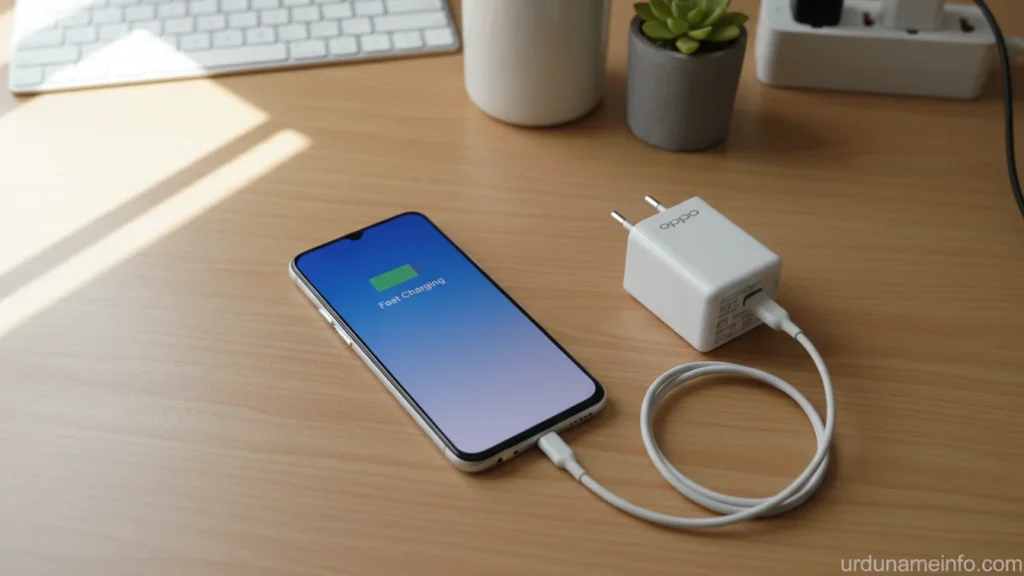
OPPO A54 supports 10W standard charging.
If you use a random or cheap cable, the phone will automatically switch to slow USB charging.
- Always use the original OPPO cable
- Check if the cable is broken, loose, or heated
- Try charging with another high-quality cable to test
Clean the Charging Port (Free & Effective)
Dust inside the charging port stops the cable from making full contact.
How to clean:
- Power off the phone
- Use a soft brush or toothpick (gently)
- Remove dust or lint
- Do NOT use metal pins
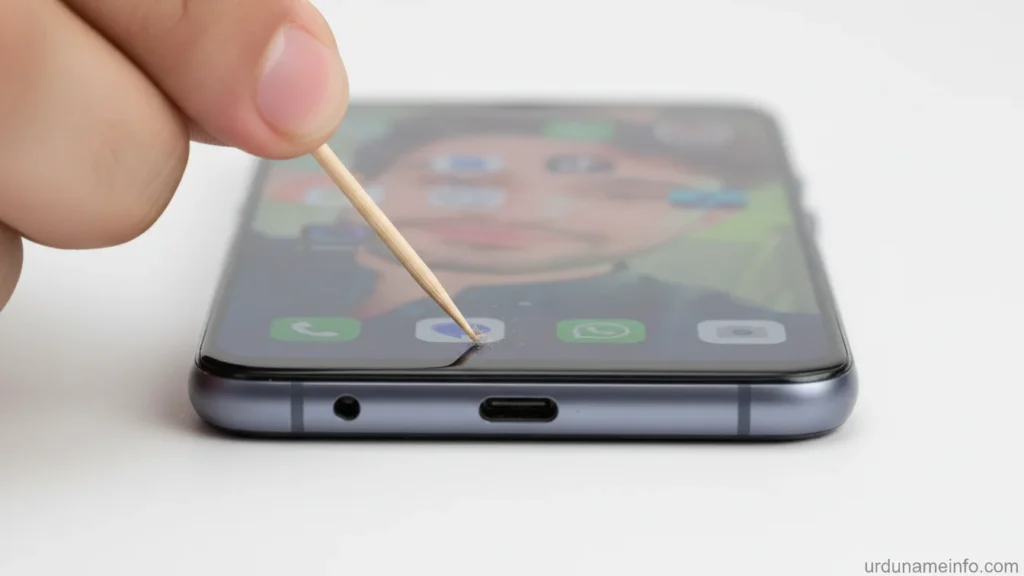
After cleaning, plug in the charger again the difference is noticeable.
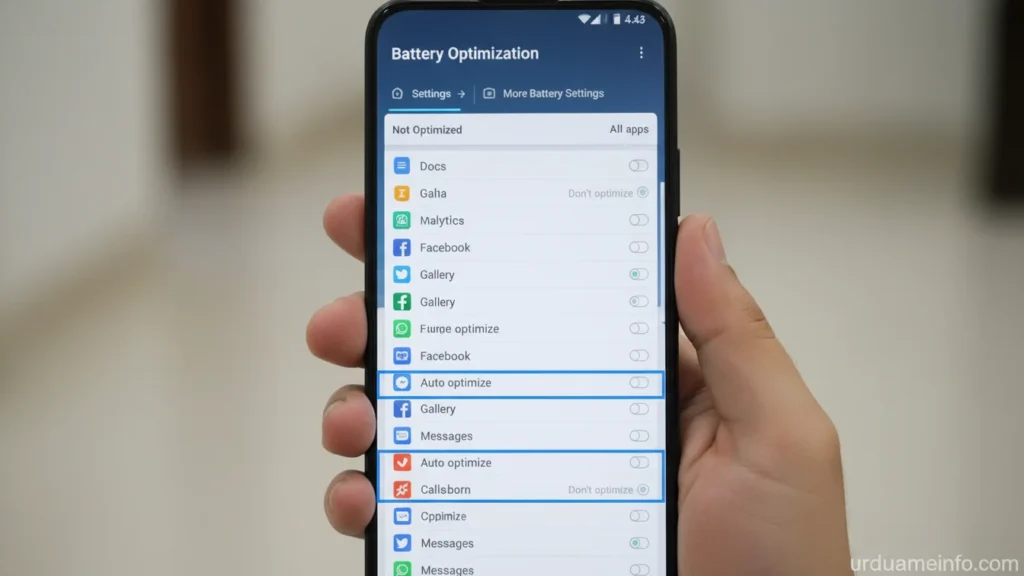
Turn Off Background Apps (Boosts Charging Speed)
Background apps consume power while the phone is charging.
Steps:
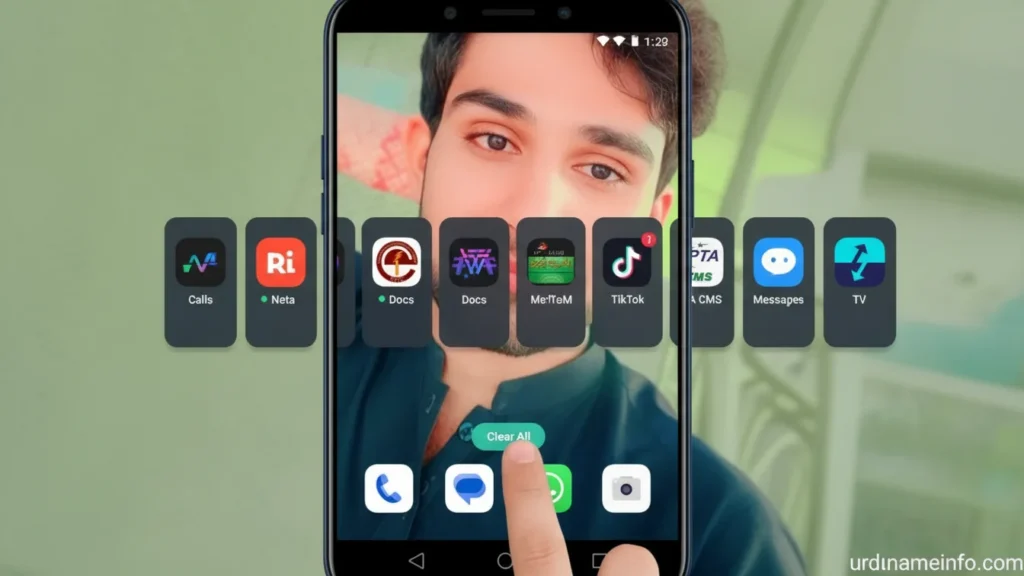
- Go to Settings → Battery
- Tap More Settings
- Open Background Activity Management
- Disable background activity for heavy apps (TikTok, Instagram, WhatsApp, etc.)
Read More: How to Stop Background Apps on OPPO A54
Enable Developer Options & Turn Off Animations
Animations use CPU power, which slows down charging when the phone is hot.
Steps:
Go to Settings → About Phone
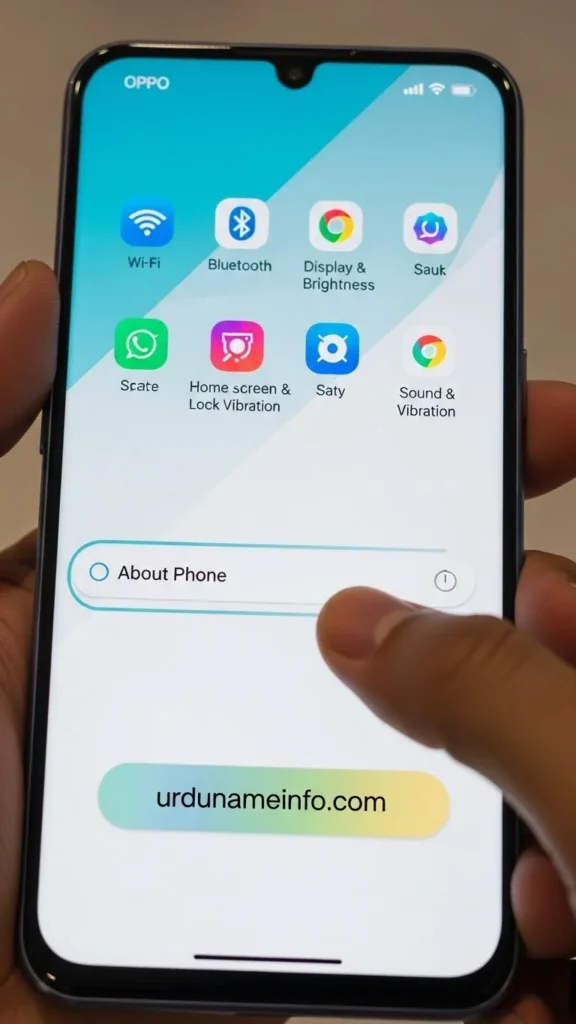
Tap Version 7 times → Developer Mode enabled
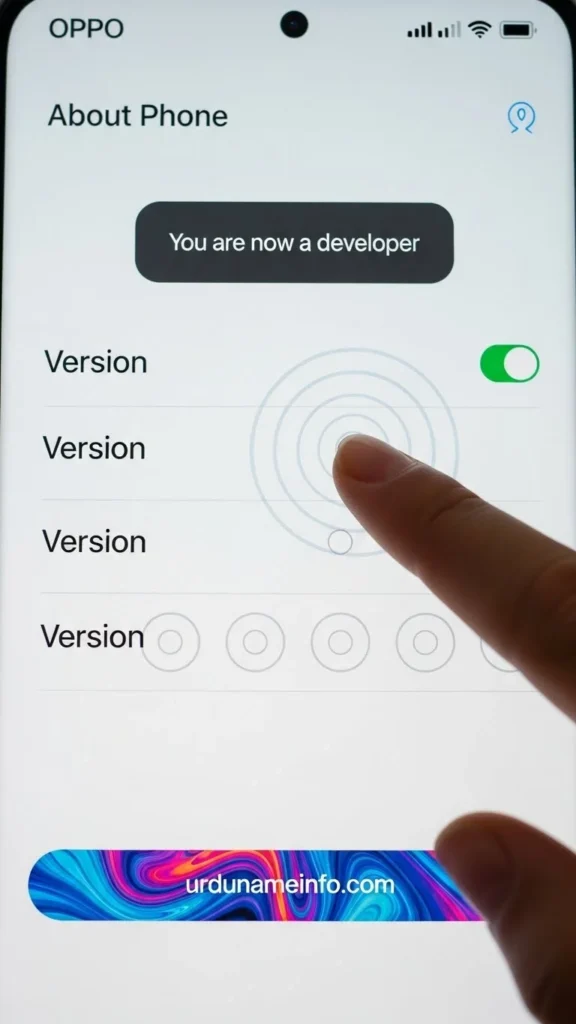
Go back → Additional Settings
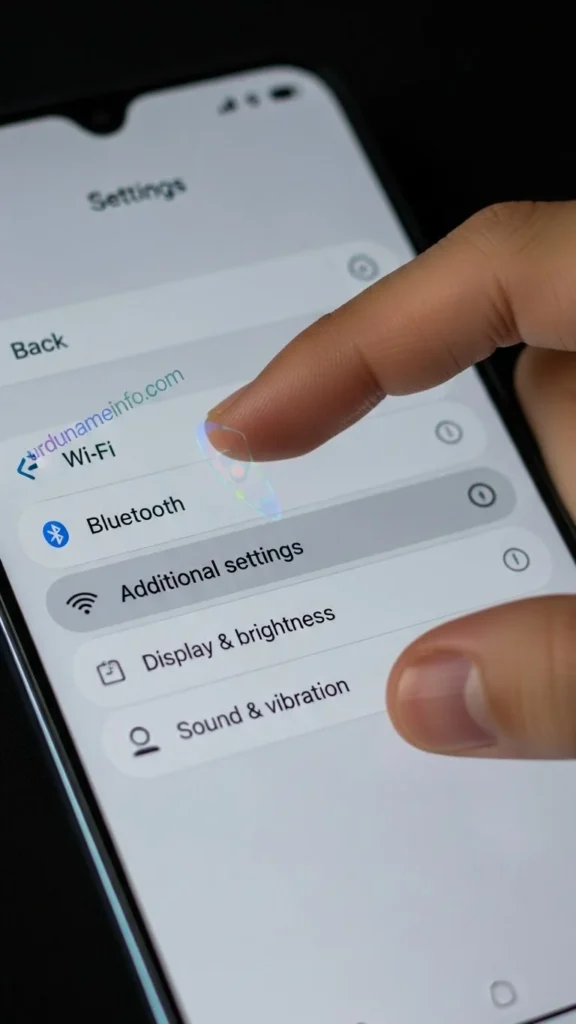
Open Developer Options
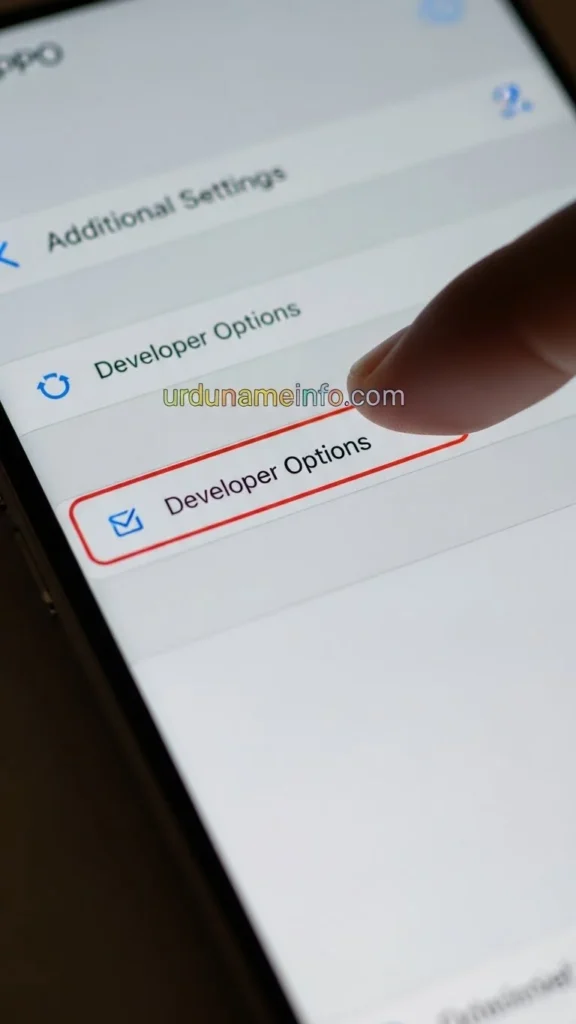
- Set:
- Window Animation Scale → 0.5x
- Transition Animation Scale → 0.5x
- Animator Duration Scale → Off
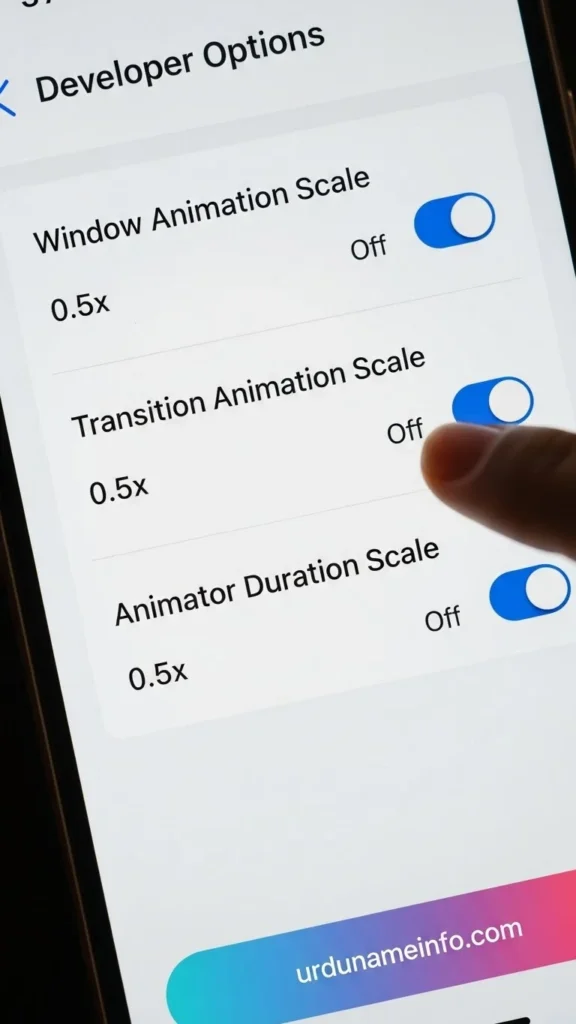
This reduces phone load and improves charging speed.
Read More: How to Enable Developer Options in OPPO A54
Turn On Airplane Mode While Charging
This instantly reduces battery consumption.
Steps:
Swipe down → Enable Airplane Mode
Your phone will charge 20–30% faster.
Keep Your Phone Cool While Charging
Heat is the biggest enemy of fast charging.
Do this:
- Remove the phone cover
- Avoid charging while gaming
- Do not place the phone on a pillow or bed
Cool surface = Faster charging.
Update Your OPPO A54 Software
Sometimes charging issues come from system bugs.
Steps:
- Go to Settings → Software Update
- Install the latest ColorOS update if available
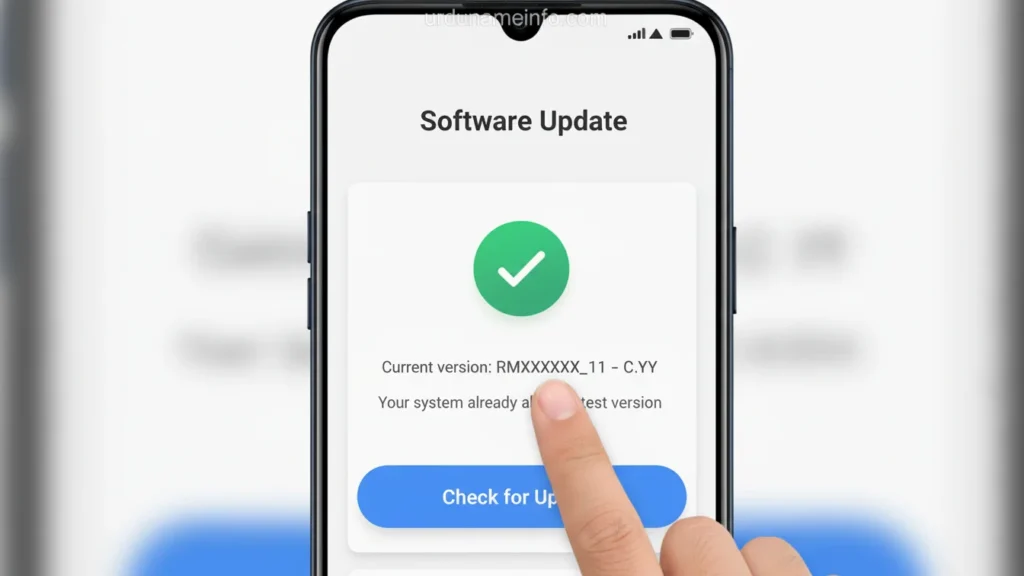
Updates improve charging stability and battery performance.
Disable Unnecessary Features While Charging
Turn off features that consume extra power:
- WiFi
- Bluetooth
- Location
- Mobile Data
This helps the phone focus on charging.
Replace the Charging Adapter if Needed
Even if the cable is good, a weak adapter can cause slow charging.
Use:
- Original 10W OPPO Adapter
or - A high-quality adapter with 5V = 2A output
Battery Health Check (Last Option)
If your OPPO A54 is:
- 2–3 years old
- Quickly draining battery
- Overheating frequently
- Stuck at slow charging always
Then the battery may be weak or damaged.
In that case, replacing the battery restores full charging speed.
Final Tips to Charge OPPO A54 Faster
- Use short cable (1 meter or less)
- Avoid charging from computer USB ports
- Charge from direct wall socket only
- Avoid 3rd-party fast chargers (OPPO A54 does NOT support fast charging)
FAQs Slow Charging Issue OPPO A54
1. How many minutes does OPPO A54 take to fully charge?
With a good cable + adapter, it normally takes 2 hours.
2. Is OPPO A54 fast-charging supported?
No, it supports only 10W Standard Charging.
3. Does cleaning the charging port improve charging?
Yes if dust is blocking contact, cleaning can double charging speed.
4. Why does my phone charge slowly only sometimes?
Because of:
- Heat
- Weak electricity
- Background apps
- Software bugs
5. Should I charge while using the phone?
No this slows charging and increases heat.
Read More: How to Block Unknown Numbers on OPPO A54
Conclusion
So in this article, I have told you in full detail how you guys can increase the charging speed of your Oppo A54 mobile phone. I have told you everything in eight or nine steps. I have told you the methods by which you can increase the charging speed of your mobile. I hope you liked this article. If you have any problem, you can ask us in the comment section, we will definitely reply to you.

My name is Mujahid Shah. I provide helpful information about mobile phones, laptops, and general technology topics. I write simple and easy guides to help people solve common problems and understand tech in a better way.