
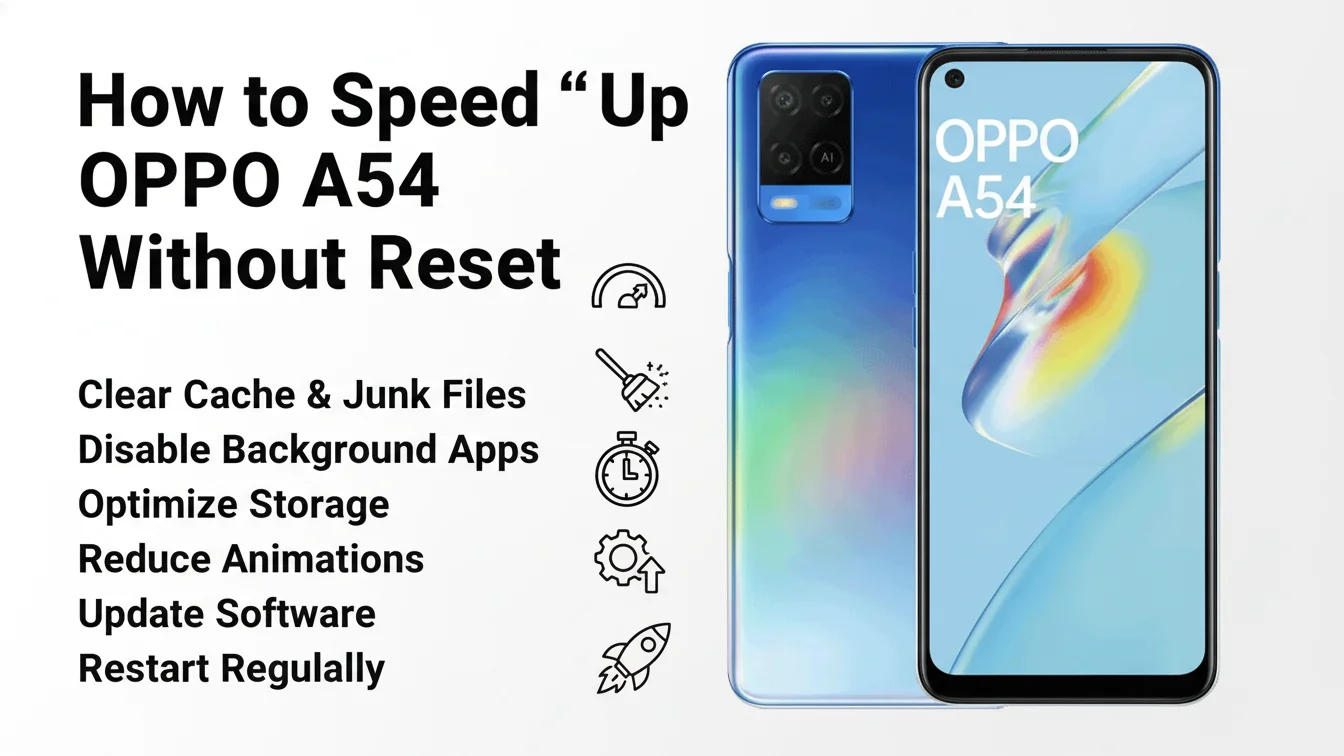
You people, have apps running behind your Oppo A54 mobile phone right now, due to which the mobile phone runs slowly or the mobile phone apps do not open. In today’s article, we will see in full detail how you people can optimize the speed of your slow mobile Without Reset the mobile. I will tell you everything in a simple method below, follow it step by step.
Close Background Apps (Free RAM)
OPPO A54 has limited RAM, so too many background apps slow down performance.
How to do it:
Open Recent Apps
Tap Clear All
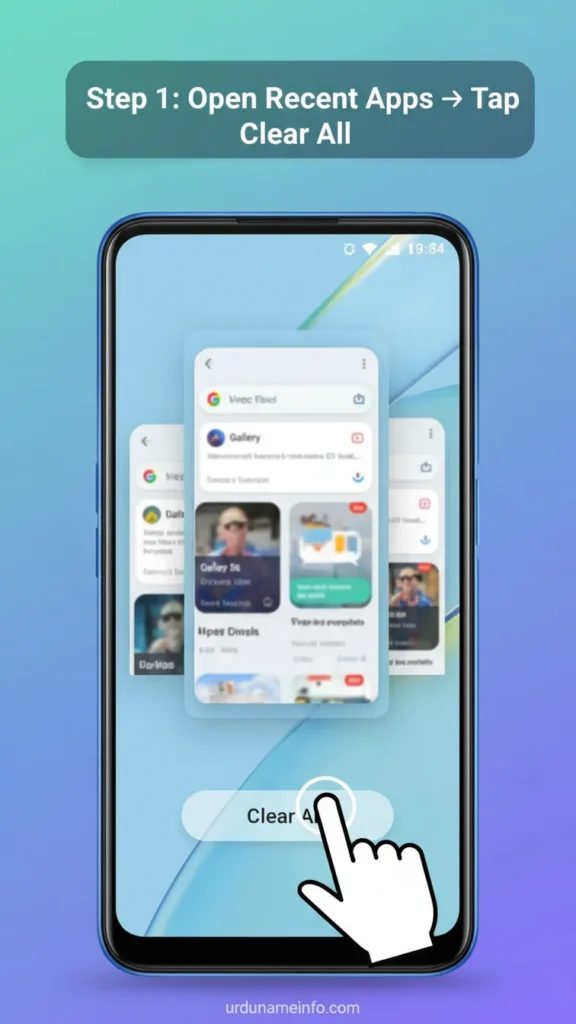
This method makes a significant difference in the RAM storage of your mobile phone, giving you an instant boost and increasing the speed.
Disable Auto-Start Apps
Some apps run automatically when the phone turns on, slowing down the device.
How to do it:
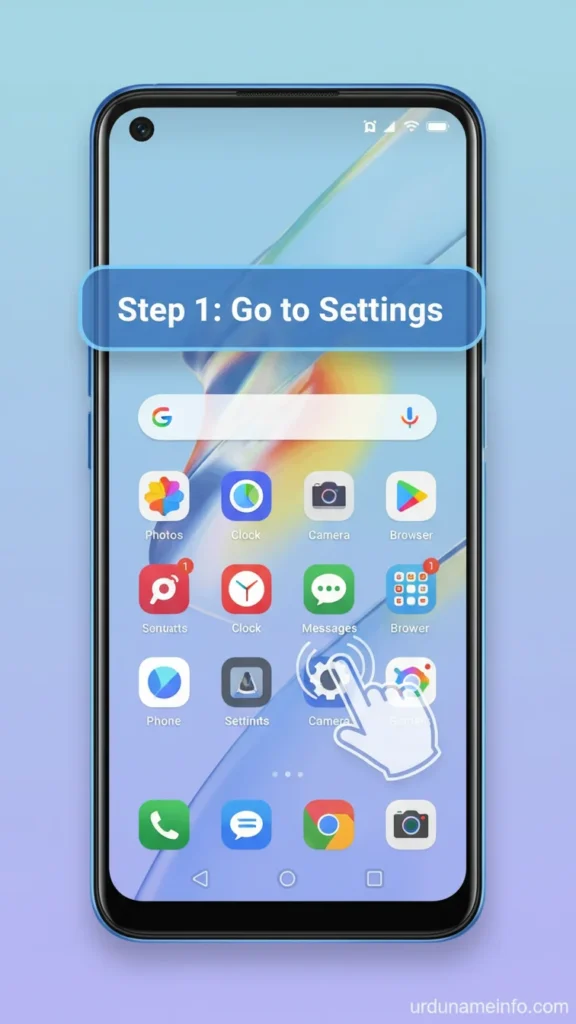
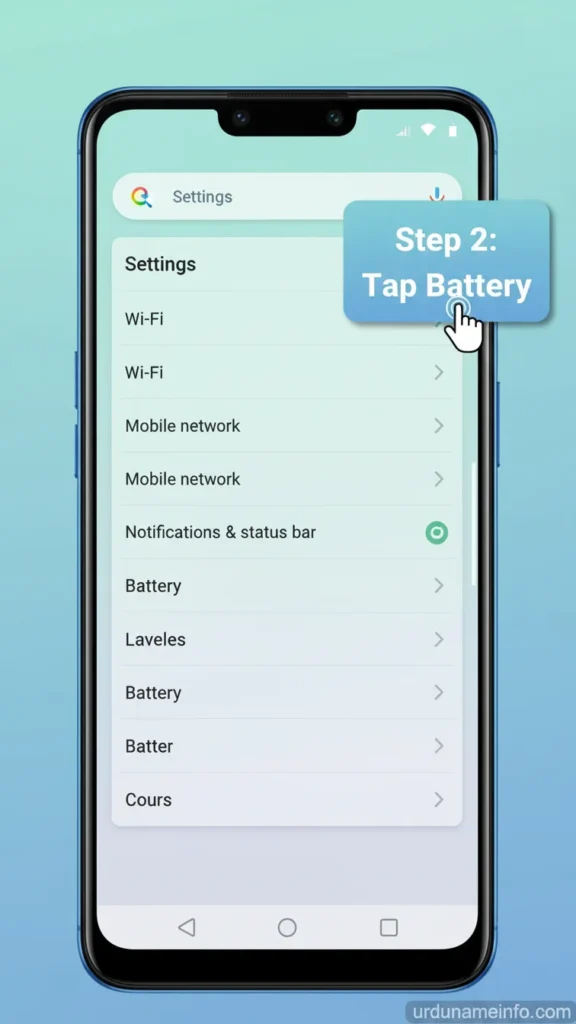
Go to Settings
Tap Battery
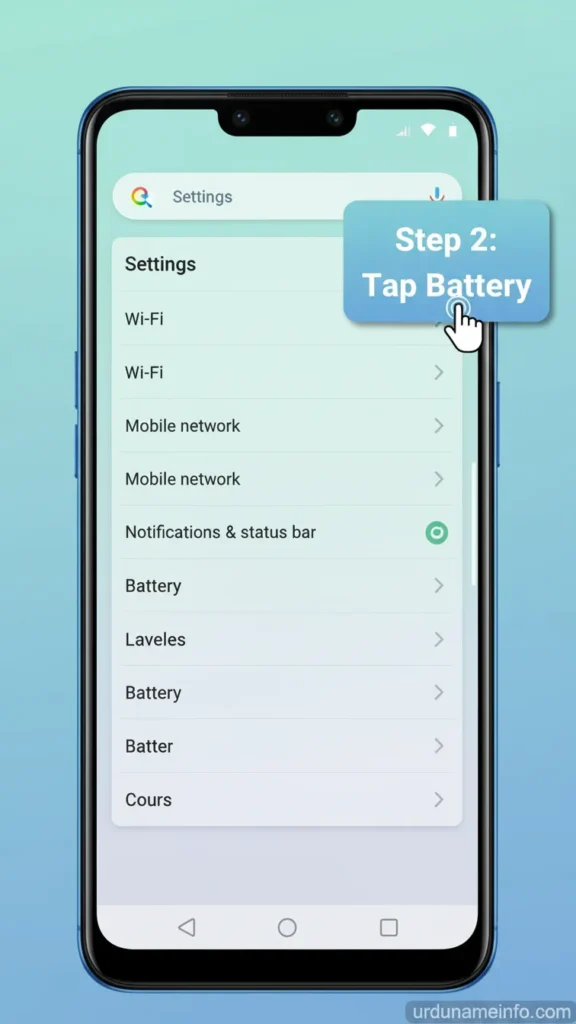
Open More Battery Settings
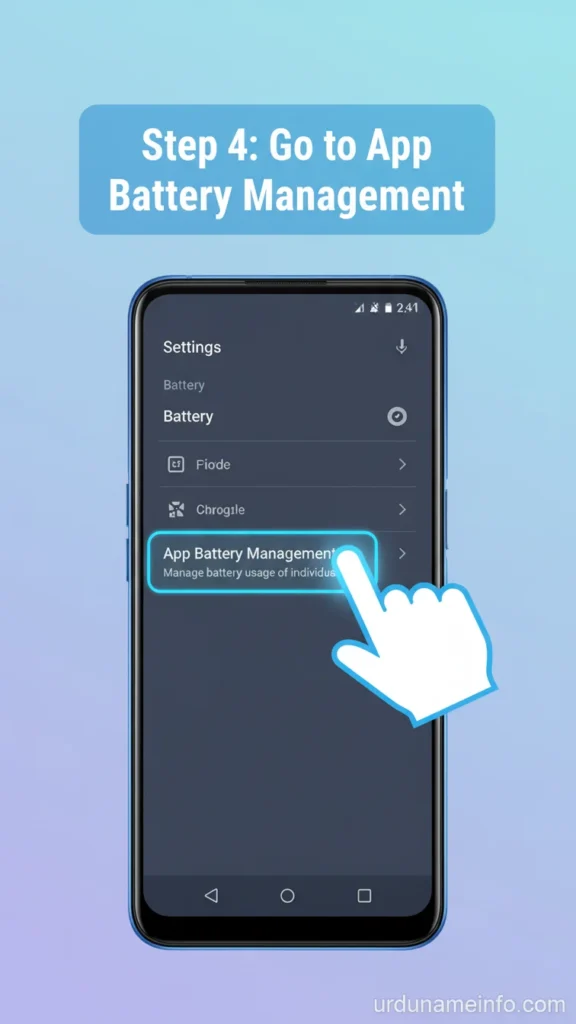
Go to App Battery Management
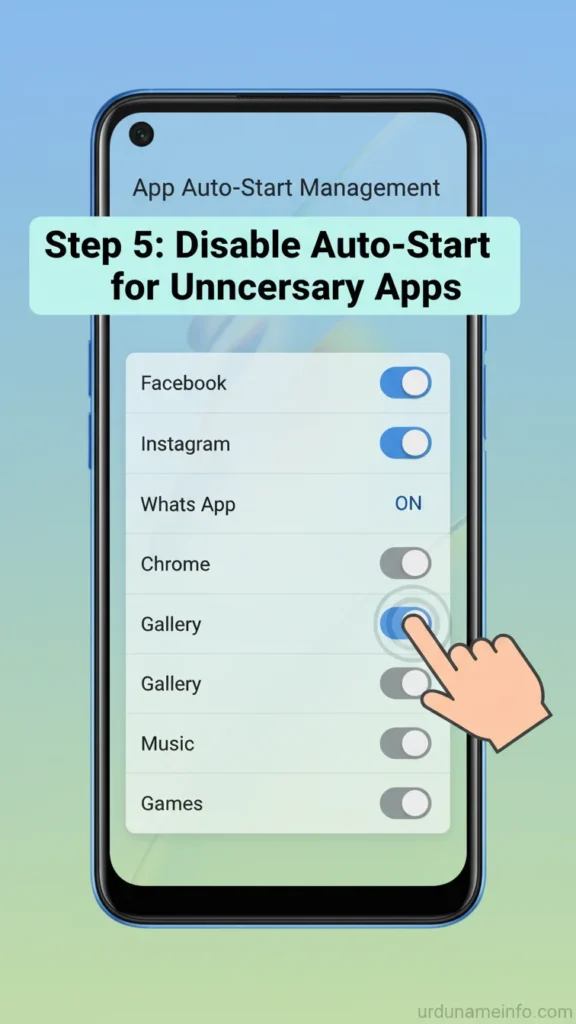
- Disable Auto-Start for unnecessary apps
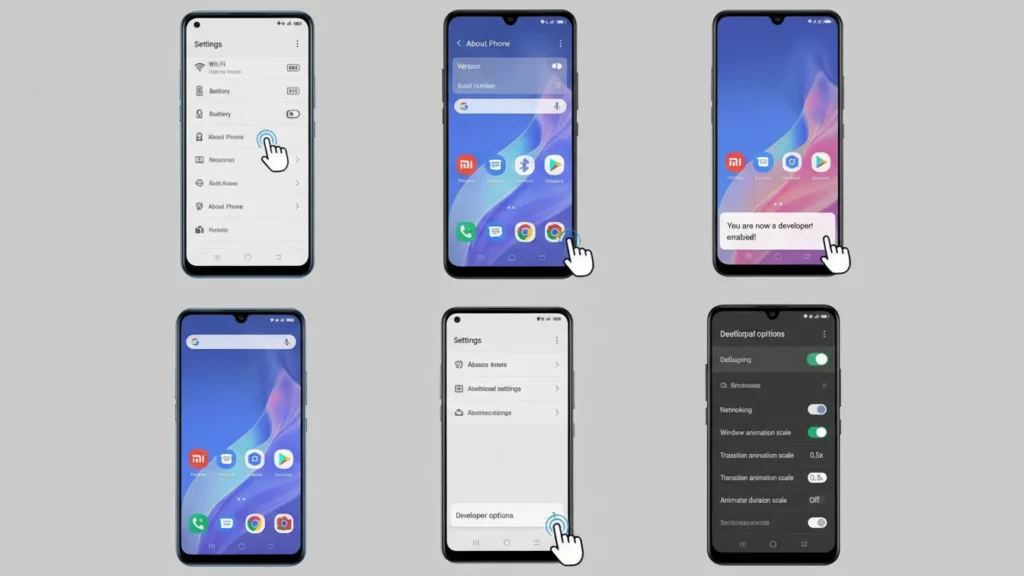
Reduce Animations (Make Phone Feel Faster)
Disabling or reducing animation scale improves speed significantly.
How to do it:
- Go to Settings → About Phone
- Tap Version 7 times to enable Developer Mode
- Go back → Additional Settings
- Open Developer Options
- Set all animation scales to 0.5x or Off
Read More: How to Enable Developer Options in OPPO A54
Clear App Cache (Safe & Effective)
App cache grows over time and causes lag.
How to do it:
- Go to Settings → Apps
- Tap App Management
- Select any app
- Tap Storage Usage
- Tap Clear Cache
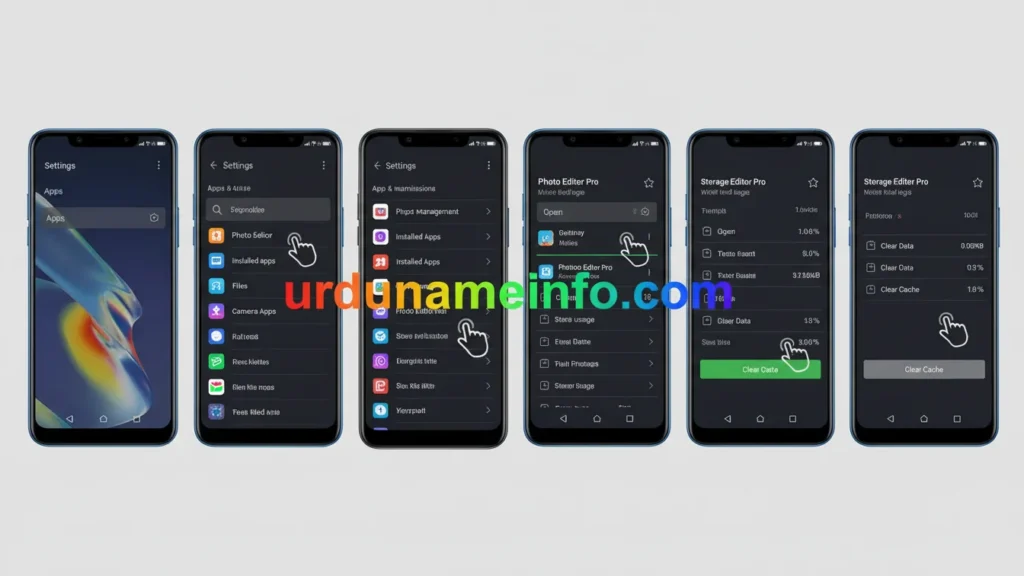
Read More: How to Clear Cache on OPPO A54 (Complete Easy Guide)
Disable Unused System Apps (Bloatware)
How to do it:
- Open Settings → Apps → App Management
- Select unused apps
- Tap Disable
Keep Storage 20–30% Free
Low storage = lag + slow loading + crashes.
How to do it:
Delete:
- Large videos
- Duplicate photos
- WhatsApp media
- Unused downloads
Or move files to SD card.
Turn Off Power Saving Modes
Battery saving reduces CPU performance.
How to do it:
- Go to Settings → Battery
- Turn OFF Power Saving Mode
- Turn OFF Super Power Saving Mode
Related Blog Post
- How to Block Unknown Numbers on OPPO A54
- How to Stop Background Apps on OPPO A54
- How to Enable App Lock on OPPO A54 (Without Third-Party Apps)

My name is Mujahid Shah. I provide helpful information about mobile phones, laptops, and general technology topics. I write simple and easy guides to help people solve common problems and understand tech in a better way.